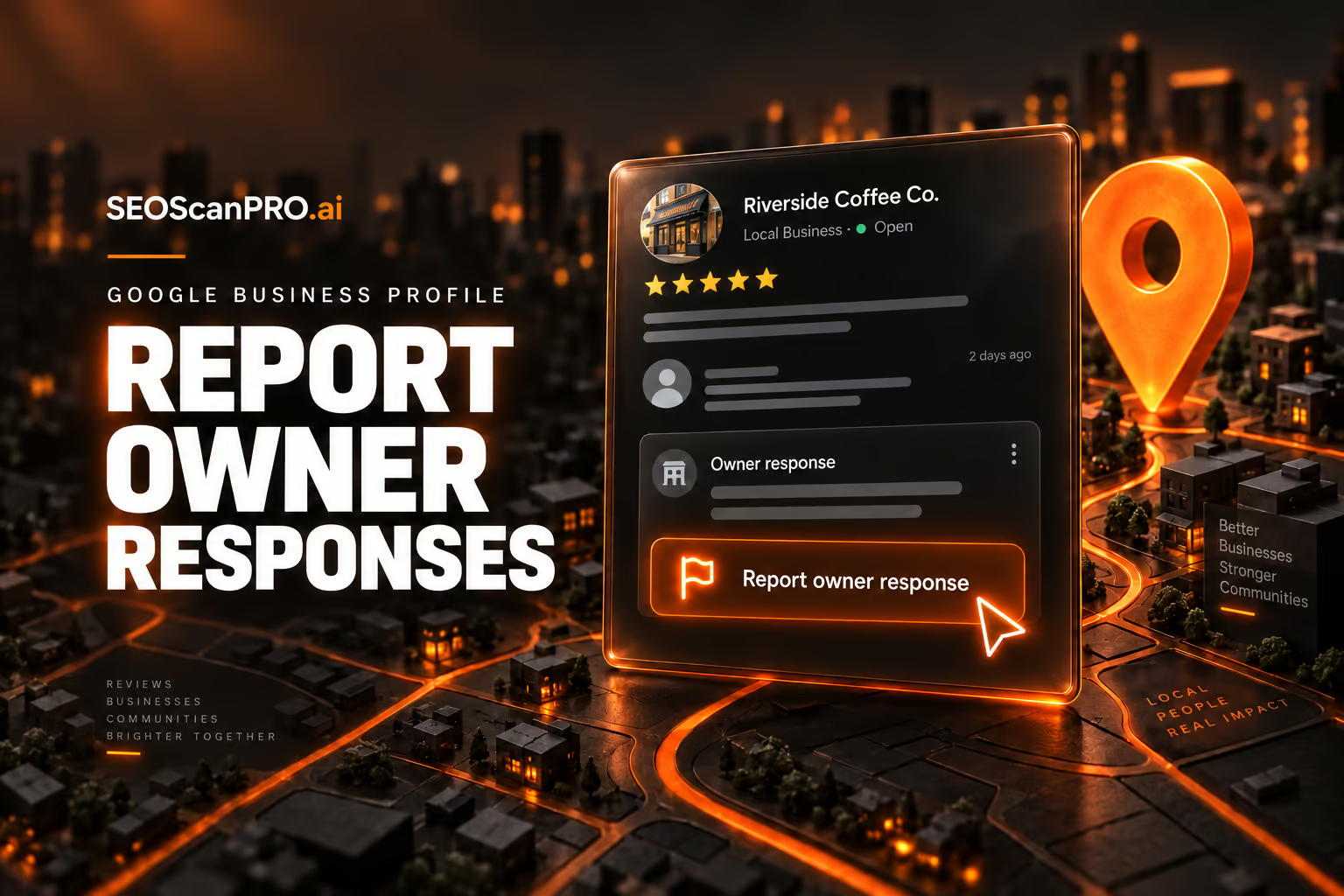
Google has added a new reporting option inside Google Business Profiles that lets people flag business owner responses to reviews when those replies cross the line. Users can now report owner responses that are off-topic, contain profanity, amount to bullying or harassment, include discrimination or hate speech, or expose personal information, giving reviewers a direct way to push back on unprofessional replies they previously had no tool to address.
What the new reporting option covers
The new option, called “Report owner response,” is surfaced directly on Google Business Profile listings and in Google Local. It is designed specifically for responses that a business owner has posted beneath a customer review, not for the reviews themselves. Anyone viewing the listing can open the reporting flow when they believe an owner reply violates one of the listed categories.
The five report categories
- Off topic: The owner response does not pertain to an experience at or with this business.
- Profanity: The owner response contains swear words, has sexually explicit language, or details graphic violence.
- Bullying or harassment: The owner response personally attacks a specific individual.
- Discrimination or hate speech: The owner response has harmful language about an individual or group based on identity.
- Personal information: The owner response contains personal information, such as an address or phone number.
Beyond those five categories, users can also flag legal issues connected to an owner response through the same flow, giving Google a second channel for more serious cases that go beyond content standards.
Why this option matters for businesses and reviewers
Until now, there was no clean way for a customer to tell Google that a business owner’s reply to their review was inappropriate. Reporting options on Google Business Profile covered the review content, but the response sitting beneath it sat in a gray area. The new option closes that gap and gives Google a structured signal when owner replies cross into profanity, harassment, or the disclosure of private details such as bank account information, addresses, or phone numbers.
For businesses, the change raises the bar on what counts as an acceptable public reply. A response that disputes a factual claim is still fair game; a response that insults the reviewer, shares personal details, or veers off topic can now be reported and removed through the same system Google already uses for problematic reviews.
Where to find the new option
The “Report owner response” entry appears on the listing alongside existing review controls. After selecting it, users see a form listing the five content categories above, plus the option to surface a legal issue. Submitting the form sends the report to Google for review under the same pipeline that already handles review-level abuse reports.
FAQ
What is the Google Business Profile “Report owner response” option?
It is a new reporting entry inside Google Business Profiles and Google Local that lets users flag a business owner’s reply to a review when it is off-topic, contains profanity, amounts to bullying or harassment, includes discrimination or hate speech, or exposes personal information. Users can also report legal issues through the same flow.
What reasons can a user select when reporting an owner response?
The form offers five content categories: off topic, profanity, bullying or harassment, discrimination or hate speech, and personal information. It also lets users flag legal issues connected to the response.
Can business owners report reviews through this same option?
No. The new option targets owner responses, meaning the replies that businesses post under customer reviews. Reviews themselves are handled through Google’s existing review reporting tools.
Related coverage
- Google Business Profile Categories and Completeness: What 1.8 Million Profiles Reveal About Local SEO
- Google Search Console Links Report Goes a Month Without a Fresh Update
This article summarizes reporting from seroundtable.com.