
What just changed in GA4
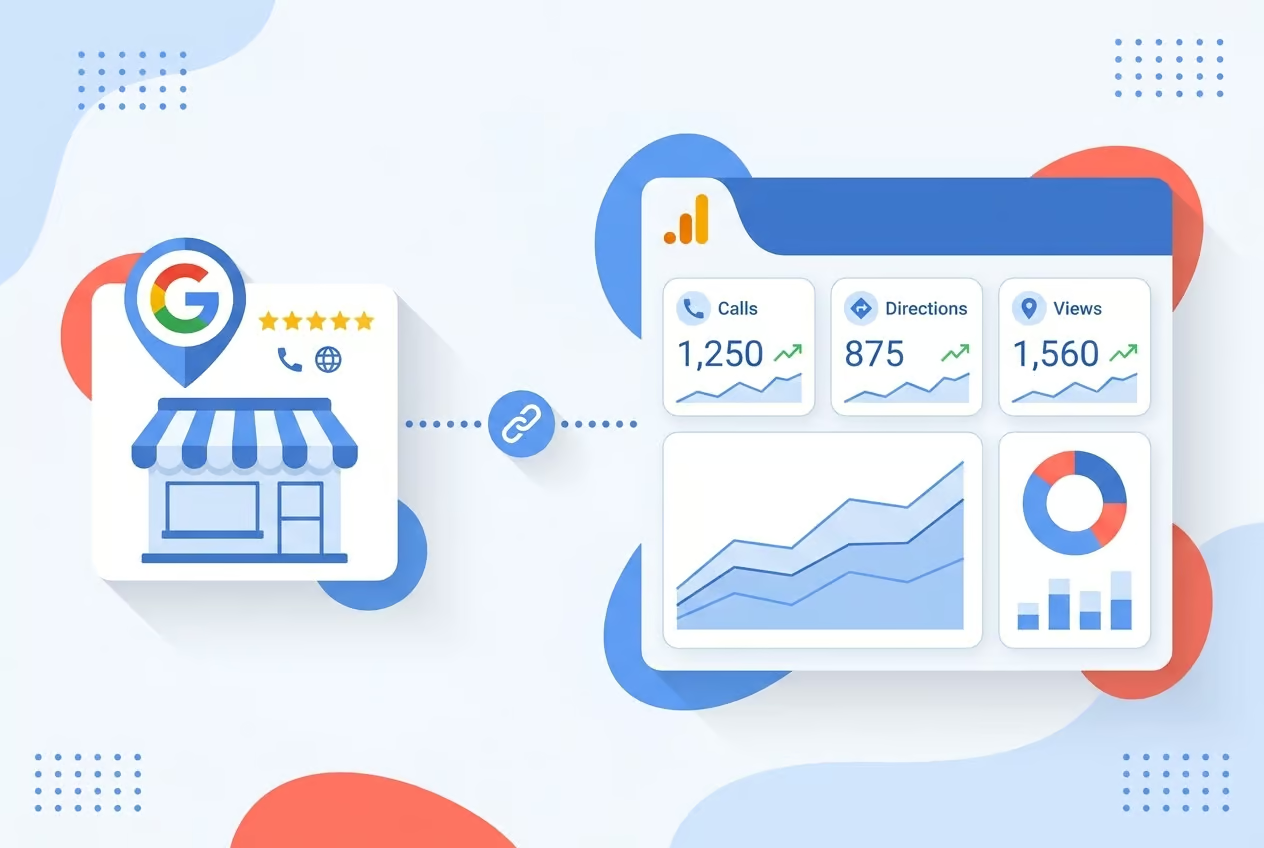
Google Analytics 4 has opened a native product link to Google Business Profile. Phone calls, taps for directions, bookings, and messages generated from a GBP listing now flow into the same GA4 property that already records website sessions and form submissions. The link lives under GA4 Admin, in the Product Links section, and it is rolling out to accounts gradually at no additional cost.
For site owners who run technical SEO audits, the headline is that high-intent local actions that used to vanish into a separate GBP dashboard are now first-party data inside Analytics. Auditors who previously had to flag “attribution gap” as a known unknown on local SEO reports now have a measurement surface they can test, verify, and recommend.
Which metrics land in GA4 and where they appear
After linking, a dedicated GBP section becomes visible in the standard reports. Seven interaction types populate the view: total interactions, website clicks, calls, directions, messages, bookings, and menus. The Google Analytics Help documentation confirms that linking a Google Business Profile to an Analytics property surfaces Business Profile performance data inside Analytics, with no UTM parameters required because the connection is server-side.
Two practical audit notes come out of that:
- The metrics show up in acquisition and engagement reports, so auditors reviewing those report templates should expect a new data source and re-check any filter or segment logic that assumed only website traffic populated those views.
- Data is retained for six months. Even if a property’s data retention setting is longer, GBP events older than six months will not appear, which affects any year-over-year comparison an audit might run.
What the numbers say about why this audit gap mattered
According to BrightLocal’s 2025 Local Marketing Survey, the average Google Business Profile receives 1,009 interactions per month, and 42 percent of those actions are calls or direction requests. The same survey reports that 73 percent of consumers have used a business’s profile to call or get directions. Until the GA4 link shipped, none of those interactions were visible inside GA4 reports, so any audit that relied on Analytics to model local conversion value was working from an incomplete dataset.
That is the core reason auditors should treat this as a measurement fix, not just a dashboard convenience. A plumber, salon, or bakery that drives half of its profile actions through calls was, by definition, underreported in GA4. The audit implication is direct: every prior conversion baseline an auditor signed off on needs a recalibration note.
How to audit the link itself
The setup path is short enough to verify during an audit run:
- GA4 Admin, then Product Links, then Google Business Profile links.
- Click Link and pick the profile or profiles to connect.
- Confirm, with editor or administrator rights on the GA4 property and owner or manager rights on the GBP.
Auditors should check three things on a real account:
- The link actually exists and is active, by opening the GBP section under Reports.
- The seven metric types are populating with non-zero values once enough time has passed.
- Access controls match the team’s permission model. GBP owner access is broad, and a link created with the wrong account can quietly expose a profile to an unrelated GA4 property.
The aggregation problem for multi-location sites
If a brand links more than one Business Profile to a single GA4 property, every metric collapses into one aggregated dataset. There is no built-in per-location filter or segment in GA4 at this stage. For a multi-location SEO audit, that is a real limitation, because location-level decisions, such as which storefront to invest in, still require the GBP dashboard or the Performance API.
Auditors working with multi-location clients should flag this clearly in the report. The integration improves top-level visibility but does not replace the granular location exports that franchise and chain operators depend on.
What to add to the audit checklist this week
For any client whose organic strategy leans on local search, the audit should now include:
- A confirmation that the GBP-to-GA4 link has been created, with a screenshot for the deliverable.
- A check on GBP completeness. A profile that is missing hours, categories, or service items will underperform on calls and directions before any tracking question even matters, because profile quality drives whether a user taps at all.
- A name, address, and phone number consistency check across the major directories, since GBP remains a primary surface for local discovery and AI-driven answers.
- A note in the conversion baseline that pre-link GA4 data did not include calls or directions, so any historical comparison needs a footnote.
- A separate segment or exploration that isolates GBP-driven calls, because they will now distort totals in acquisition reports if treated as standard traffic.
What is likely to change next
Google has framed this as a phased rollout, which means the feature set will expand. Multi-location operators are an obvious constituency for per-profile segmentation, and a deeper tie-in with Google Ads is the natural next step. Once calls and direction taps can feed bidding algorithms as conversion signals, local search campaigns gain a measurement loop that did not exist before. Subproperties and audience building are also plausible extensions, since both already exist elsewhere in GA4.
AI-driven discovery adds a second reason to watch this area. When a voice assistant or AI agent surfaces a business and the user calls, that call now lands in GA4 as a trackable event, giving auditors a way to measure leads that originate outside the traditional web journey.
FAQ
What metrics does the GA4 and GBP integration track?
The integration tracks seven interaction types from a linked Google Business Profile: total interactions, website clicks, calls, direction requests, messages, bookings, and menus. They appear in GA4 under acquisition and engagement reports once the profile link is confirmed.
Can an audit see per-location data when several Business Profiles are linked?
No. Linking more than one GBP to the same GA4 property aggregates every metric into a single dataset with no per-location segmentation. Multi-location brands should keep using the Business Profile dashboard or the Performance API for location-level detail.
How long does GA4 keep Google Business Profile data?
GBP metrics in GA4 are retained for six months. Reports will not show events older than six months even if the property’s general data retention setting is longer, so periodic exports are needed for long-term trend analysis.