
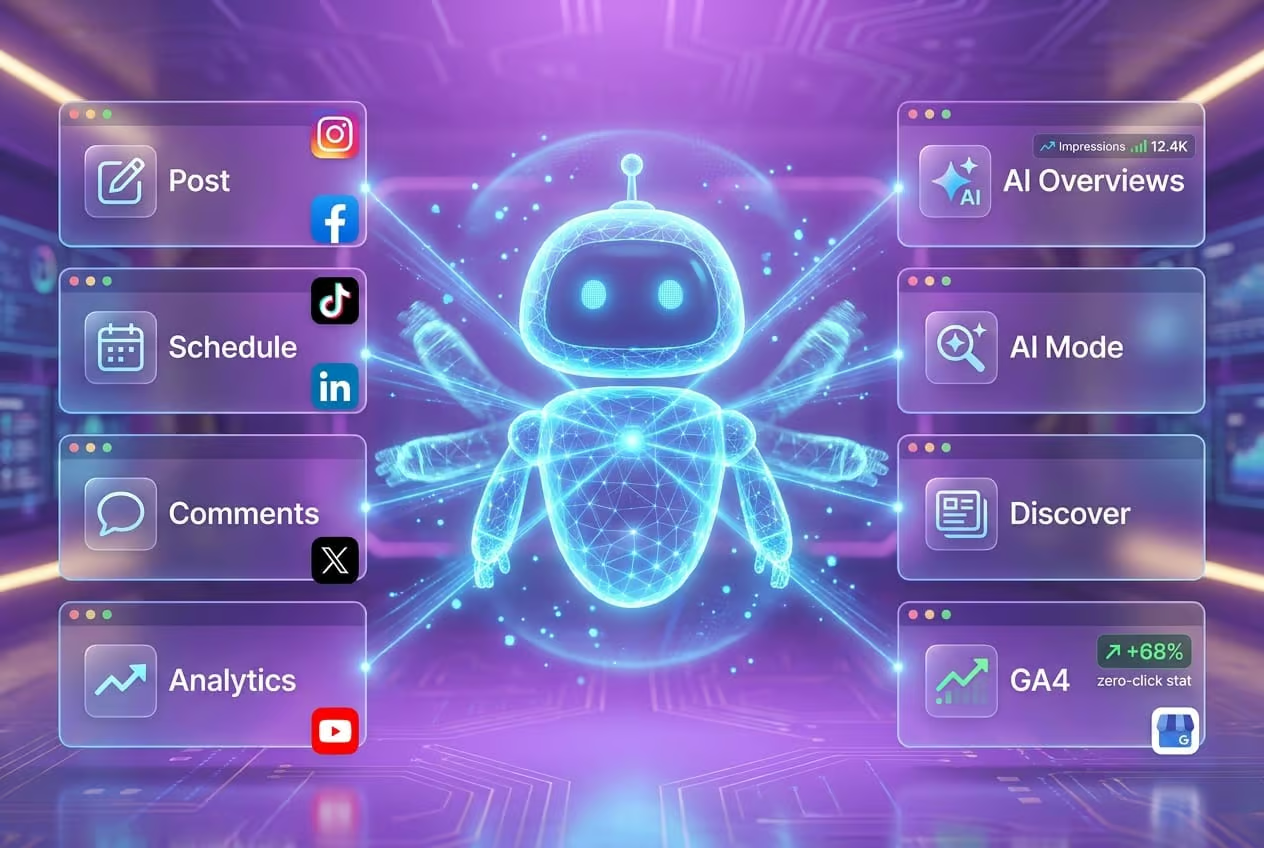
Google has tied two of its core local business products, Google Business Profile and Google Analytics 4, together through a native data link, and it has added a dedicated AI Search performance area inside Search Console. The combination means a small business owner can finally count the phone calls, direction taps, and bookings that originate from a profile, and can also see when content is cited inside AI Overviews, AI Mode, or Discover. For anyone running technical SEO audits, the change reshapes which KPIs and which data sources belong on the checklist.
Why local reporting needed a rebuild
Search traffic no longer behaves like a single river flowing toward a website. According to the 2025 SparkToro zero-click study, 68% of Google searches end without a click on a result. A user can find a business through a standard blue link, a Maps pin, an AI Overview snippet, a conversational Gemini session, or a voice query, and still never reach the business site. When the click disappears, the only signal left is an impression on a GBP card or a citation inside an AI answer.
Local intent compounds the problem. Google consumer insights indicate that more than 40% of mobile searches with local intent convert to an in-store visit within a day, and the path often starts with an AI-generated summary that pulls from a GBP listing, structured data, and review content. Without a unified reporting layer, the owner of a single-location business has no clean way to connect an AI Overview impression to a phone call that happened three hours later.
What changed in GA4
The first release is a native linking path between Google Business Profile and Google Analytics 4, replacing the manual workarounds and third-party connectors that many sites depended on. According to Google’s support documentation, the link is set up inside GA4 under Admin, then Data Streams, then the Google Business Profile linking option on a web data stream.
Once the link is active, four GBP interactions flow into GA4 as events:
- Calls placed from the listing
- Direction requests to the business
- Website visits generated from the profile
- Photo views on the profile
Businesses that accept appointments through GBP also see booking events import into the same stream. The events surface in standard GA4 reports and can be sliced in explorations by date, campaign, or location, which is the first time a local operator can compare GBP activity against on-site behavior inside the same workspace.
What changed in Search Console
The second release is an AI Search tab inside the Performance report in Search Console. The tab breaks out impressions from AI Overviews, AI Mode, and Discover for both mobile and desktop. A page that is cited inside an AI-generated answer counts as an impression even if the user never scrolls to a link, and the count is tracked separately from classic web results.
Google’s announcement on the Search Central blog describes the goal as letting site owners judge how much of their visibility depends on AI-generated surfaces. For an audit, the practical effect is that a property now has three impression pools to monitor: traditional search, Discover, and AI surfaces, and each one needs its own benchmark and its own follow-up action.
How to audit your setup against the new reports
For a site owner, the rollout is a checklist. The following steps translate the new reporting into work that can be done in an afternoon.
Verify the GBP to GA4 link is active
Open GA4, navigate to Admin, then Data Streams, then select your web data stream and confirm the Google Business Profile link. If the link is missing, set it up and note the date. Events only appear in reports from the date of activation, so the first task is to establish a clean baseline window going forward.
Confirm the four event types are arriving
In GA4, open Reports, then Engagement, then Events, and filter for the GBP-sourced event names. Calls, direction requests, website visits, and photo views should each appear. If any of the four is missing, the GBP listing may not have the corresponding feature enabled, which is itself a fix to flag during the audit.
Build a GBP attribution exploration
Create a custom exploration that filters sessions to users who triggered a GBP event, then compare on-site behavior, conversion rate, and revenue against the rest of the traffic. This exploration is the first time an SMB can compare a GBP-driven visit against an organic search visit inside the same report, and the gap between the two is often the most actionable finding on the dashboard.
Open the AI Search tab in Search Console
Inside Search Console, open Performance, then click the new AI Search tab. Confirm impressions are populating for your top pages. If a high-value page is missing, the audit should check whether the page has crawlable structured data, clear entity markup, and content that answers the questions Google’s AI surfaces for your target queries.
Check structured data for agent-readiness
Google has confirmed the rollout of Gemini Spark, a personal AI agent that can book appointments and complete purchases on a user’s behalf. For an audit, the relevant question is whether a machine can read the business’s phone number, address, hours, and booking link from the page. Run a structured data test on the homepage and the most important landing pages, and confirm that LocalBusiness, Organization, and any service-specific schema validate.
Watch third-party dashboards for native support
Tools such as intentgaps.com have begun surfacing AI Overview citation gaps alongside traditional keyword gaps. An audit should re-test whether those tools now ingest AI Search Console data, because a single dashboard view of both pools of impressions is faster to act on than hopping between Search Console and GA4.
What to expect in the next reporting cycle
Google has indicated that click and conversion data for AI Search impressions will arrive in subsequent releases. For local listings, the next expected update is revenue attribution tied to GBP-initiated calls and bookings, which would close the online-to-offline loop that has been missing from GA4 since the property launched. The Gemini Spark rollout also points toward reports that attribute agent-sourced sessions back to the GBP listing or structured data feed that enabled the reservation, a useful signal for any site whose revenue depends on appointments, deliveries, or bookings.
FAQ
How do I link Google Business Profile to GA4?
Inside GA4, go to Admin, then Data Streams, then select your web data stream, then click Google Business Profile linking. Follow the prompts to associate the GBP account. After activation, GA4 imports calls, direction requests, website visits, photo views, and bookings as events. No code or third-party connector is required.
Where do I find AI Search reports in Search Console?
Open the Performance report in Search Console and select the new AI Search tab next to Search results, Discover, and Google News. The report shows impressions from AI Overviews, AI Mode, and Discover across mobile and desktop. Click and conversion data will be added in a later release.
What is the difference between AI Overviews, AI Mode, and Discover?
AI Overviews are the generative summaries that appear above traditional search results. AI Mode is a full-screen conversational interface where users ask follow-up questions and receive persistent AI-generated answers. Discover is Google’s feed of personalized content recommendations, now surfaced alongside AI-generated summaries. Search Console separates each surface so a site owner can see which one is driving impressions.