
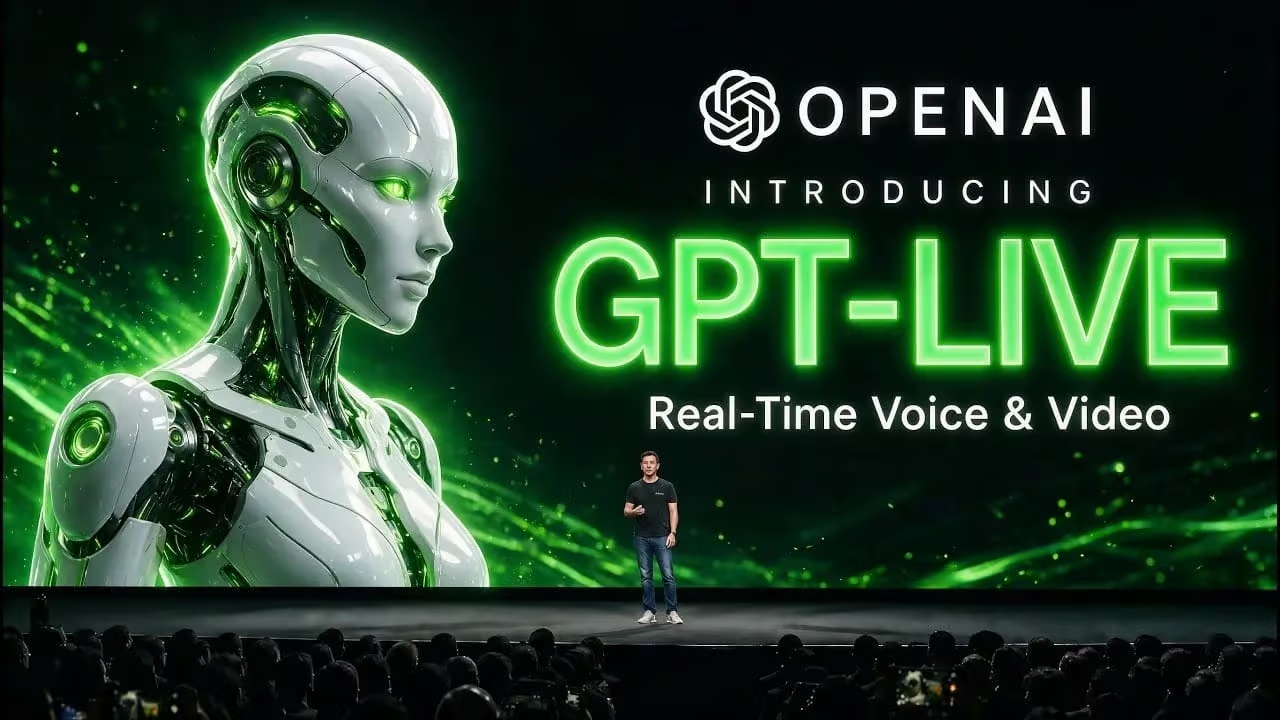
OpenAI has rolled out GPT Live, a ChatGPT capability that accepts spoken input, returns spoken replies, and reads the user’s live camera feed in a single continuous session. The feature is being deployed inside the ChatGPT interface and is built around natural turn-taking, interruption handling, and visual awareness of whatever the device camera is pointed at. For product teams and SEO operators who already expose a chat or assistant surface to visitors, the launch raises concrete questions about what real-time multimodal input does to page performance, schema, and content discoverability.
What changed in ChatGPT
Until now, voice interactions in ChatGPT typically followed a request-and-response pattern: the user spoke, the model processed, and a single audio reply came back. GPT Live collapses that loop. The assistant can listen while the user is still talking, accept follow-up questions mid-stream, and incorporate what the camera sees at the same moment. The launch post describes the result as visual and on-screen awareness layered into spoken conversation, all running inside the existing ChatGPT product.
Why this matters if you embed ChatGPT on a site
Teams that drop a ChatGPT widget onto a landing page or a help center usually treat it as a self-contained component. Real-time voice and video change that assumption in three practical ways:
- Page weight and time-to-interactive. Camera and microphone access triggers permission prompts, media negotiation, and WebRTC or equivalent transports. A page that loads a widget plus a live media stack can push past Core Web Vitals thresholds even when the chat itself is lightweight. Run a fresh Lighthouse pass after deployment and compare LCP, INP, and TBT against your pre-widget baseline.
- Hidden content and indexability. Anything the camera frames, anything spoken aloud, and anything the assistant reads back lives outside the DOM. If your SEO strategy relies on chat transcripts or visual answers being crawlable, multimodal sessions create a parallel content layer that search engines never see. Decide in advance which interactions you still want to mirror into text or structured data.
- Structured data and answer engines. Voice responses often surface as short, direct answers. If you publish FAQ or HowTo schema elsewhere on the same domain, audit whether the widget duplicates, contradicts, or cannibalizes those snippets. A spoken answer that drifts from your marked-up copy can fragment the entity signals you have been building.
Technical checks to run this week
You do not need GPT Live in production to prepare. Treat the rollout as a forcing function to tighten the surfaces a real-time assistant will touch:
- Permissions audit. Map every page that requests camera or microphone access. Confirm each request has a clear user-initiated trigger, a visible state indicator, and a documented fallback for denied permissions. Browsers and crawlers both penalize surprise permission prompts.
- Media transport review. Identify whether your current widget streams via WebRTC, MediaRecorder uploads, or a third-party SDK. Each transport has different latency, caching, and CORS behavior, and each one shows up differently in network and performance audits.
- Transcript capture policy. Decide whether spoken sessions are logged, summarized, or discarded. If you keep any portion, make sure the storage path is consistent with your existing analytics and consent setup, and that the captured text is rendered somewhere on the page or feed so it can be audited later.
- Schema reconciliation. Compare the entities and questions your assistant answers against the entities and questions covered by your JSON-LD. Gaps here are usually where answer engines pull inconsistent summaries.
What is still unclear
OpenAI’s launch post frames GPT Live as a feature inside ChatGPT, but the source announcement could not be retrieved in full. Pricing tiers, regional availability, and the exact rollout schedule were not confirmed in the materials available at writing time. Before you commit engineering hours, verify directly with OpenAI whether GPT Live is exposed through the API, limited to the consumer ChatGPT apps, or available to embedded widgets through a separate program.
FAQ
What is GPT Live?
GPT Live is a ChatGPT capability from OpenAI that lets the assistant see, hear, and respond in real time using voice and live camera input within the ChatGPT interface.
How does GPT Live differ from earlier ChatGPT voice mode?
Earlier voice features worked turn by turn. GPT Live adds continuous listening, interruption handling, and simultaneous visual interpretation of what the device camera sees, all in one session.
What should I audit on my site before deploying a real-time voice and video assistant?
Run a permissions and media-transport review, recheck Core Web Vitals with the widget enabled, decide how spoken and visual content will be captured or surfaced for indexing, and reconcile assistant answers against your existing FAQ and HowTo structured data.