
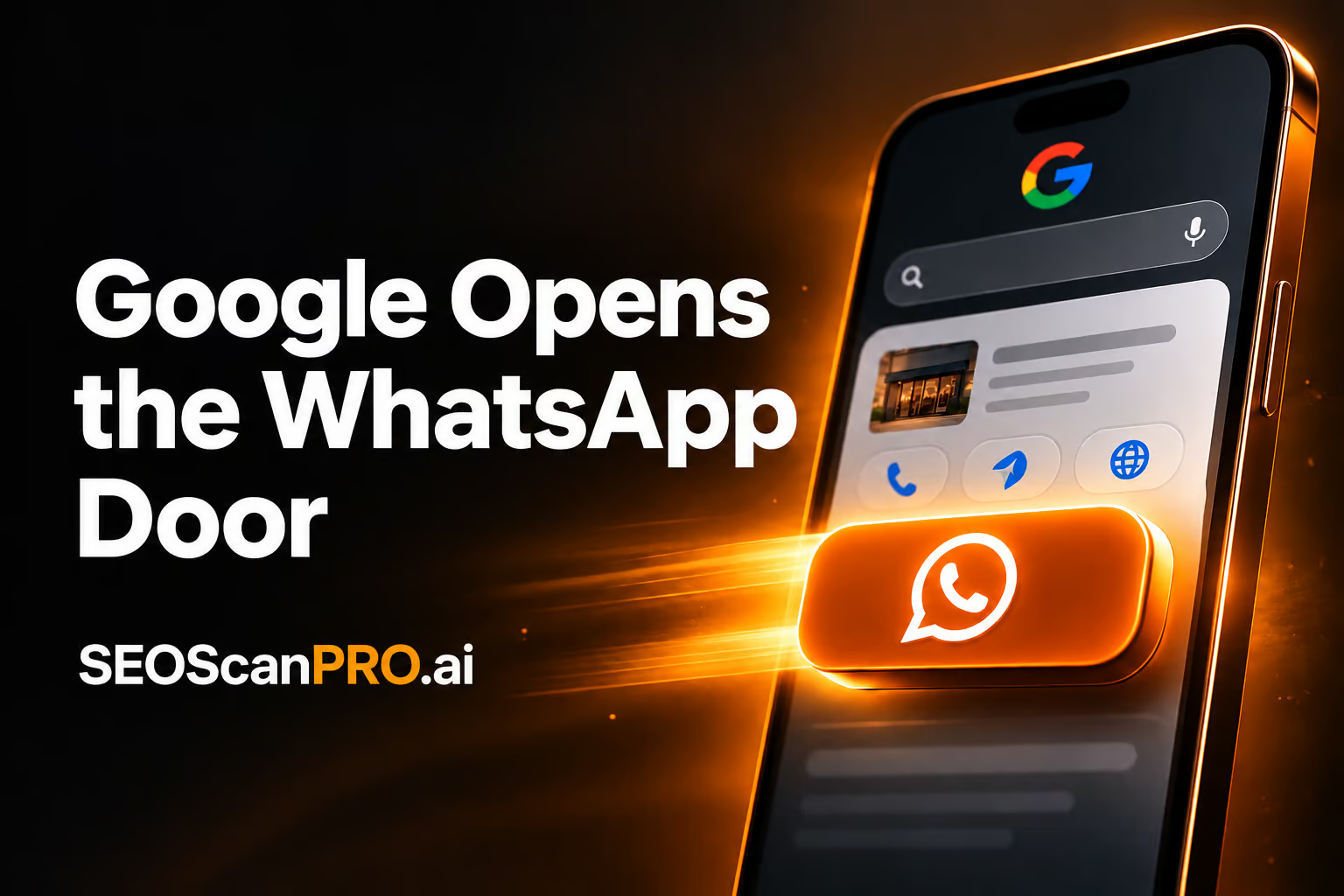
Searchers can now reach a business on WhatsApp straight from the Google local panel, with a new chat button sitting next to the familiar call, directions, website, and share actions. The addition turns the local panel into a quicker way for customers to ask a question, confirm a price, or check stock before they ever visit the store or the website.
The button appears as part of the local result card that Google shows for businesses in Search, alongside the standard action buttons. Tapping it opens a chat with the business on WhatsApp, giving searchers a direct messaging channel from the results page itself. Google Business Profile already supported WhatsApp numbers, and the local panel is now surfacing that connection as a visible action button.
How the new WhatsApp button works
When a business has a WhatsApp number connected to its Google Business Profile, Google can render a WhatsApp button in the local panel for that listing. The button joins the existing row of actions so a searcher can choose the channel that fits the moment: tap to call, tap for directions, open the website, share the listing, or start a WhatsApp conversation.
For the searcher, the path is simple. A tap on the WhatsApp button opens a chat with the business on WhatsApp, removing the extra step of copying a number, opening the app, and pasting it into a new message. For the business, it means a chat started from Search lands in the same WhatsApp inbox the team already uses, so customer conversations do not fragment across tools.
How businesses ended up with a WhatsApp number on their listing
WhatsApp numbers did not appear on Google listings overnight. The rollout has happened in stages, and understanding the history explains why some businesses already have a working button and others do not.
- Google began prompting businesses to add a WhatsApp number to their Google Business Profile so customers could reach them by chat.
- More recently, Google started adding WhatsApp numbers on its own for some listings, so a business can pick up a working button without changing anything on its profile.
- As a result, the WhatsApp button is appearing in the local panel for businesses whether they opted in manually or had the number added by Google.
Who is seeing the button
The button was first spotted in the wild, and other searchers have been able to reproduce it, which suggests Google is rolling it out more broadly rather than testing it on a single account. Google has not published a full list of regions, languages, or business categories that are eligible, and the feature is still expanding.
Because Google is adding the WhatsApp number for some businesses without their input, the appearance of the button is partly a Google-side decision. A business can check whether a WhatsApp number is already attached to its Google Business Profile and add or update it directly if the field is missing or out of date.
What this means for local search
Adding a chat button to the local panel is a small change in surface area with a real effect on how customers reach a business. A searcher who is ready to ask a quick question no longer has to leave the results page, dial a number, or load a website. The conversation can start in one tap, which shortens the path between intent and contact.
For businesses that already staff a WhatsApp inbox, the local panel becomes a new entry point into the same workflow. Conversations that begin in Search show up in WhatsApp next to every other customer chat, so there is no new tool to learn and no extra tab to monitor. For businesses that have not used WhatsApp as a customer channel before, the local panel is a strong prompt to set one up before a competitor answers the customer first.
Local search visibility has always come down to being easy to contact. A listing that shows five action buttons, including a chat option, gives a searcher one more reason to reach out and one more reason to choose that business over a listing that only offers call and directions. Keeping the WhatsApp number accurate in Google Business Profile is now part of that contact surface, alongside hours, address, and phone.
What to do next
Businesses that want to be ready when the button reaches their listing can take a few practical steps now.
- Open the Google Business Profile and check whether a WhatsApp number is already listed. If Google has added one on its own, confirm it points to the right number.
- If the field is empty or wrong, add the WhatsApp number that the business actually monitors for customer chats, including the country code.
- Make sure the team staffing the WhatsApp inbox can answer the kinds of questions a local searcher would ask: opening hours, product availability, booking, and directions.
- Watch the local panel for the button to appear, since Google is still expanding the rollout and not every listing shows it yet.
A local listing that offers a direct chat option is one tap closer to the customer, and a chat that starts in Search is a chat that never has to leave WhatsApp to become a sale.
FAQ
What is the new WhatsApp button in Google Search?
Google is displaying a WhatsApp button inside the local panel that appears for businesses in Search. It sits alongside the call, directions, website, and share buttons and lets a searcher start a WhatsApp chat with the business directly from the search results.
How do businesses get a WhatsApp button in the Google local panel?
A few years ago, Google started prompting businesses to add their WhatsApp numbers to their Google Business Profile. More recently, Google has also added WhatsApp numbers on its own for some listings, which is how the button can appear without action from the business.
Is the Google local panel WhatsApp button available to everyone?
The button was first spotted by a search marketer and has been replicated by others, suggesting a wider rollout. Google has not published a full list of regions, languages, or business types that qualify, and availability is still expanding.
BizScoreAI

BizScoreAI’s business directory scores how visible a business is to AI search and shows what its listing looks like to the engines people ask. Open the business directory.
This article summarizes reporting from seroundtable.com.