Author: SEOScanPRO

  • Local AI Visibility Study: 200,000 Prompts Show How Often AI Recommends the Same Businesses

    Local AI Visibility Study: 200,000 Prompts Show How Often AI Recommends the Same Businesses

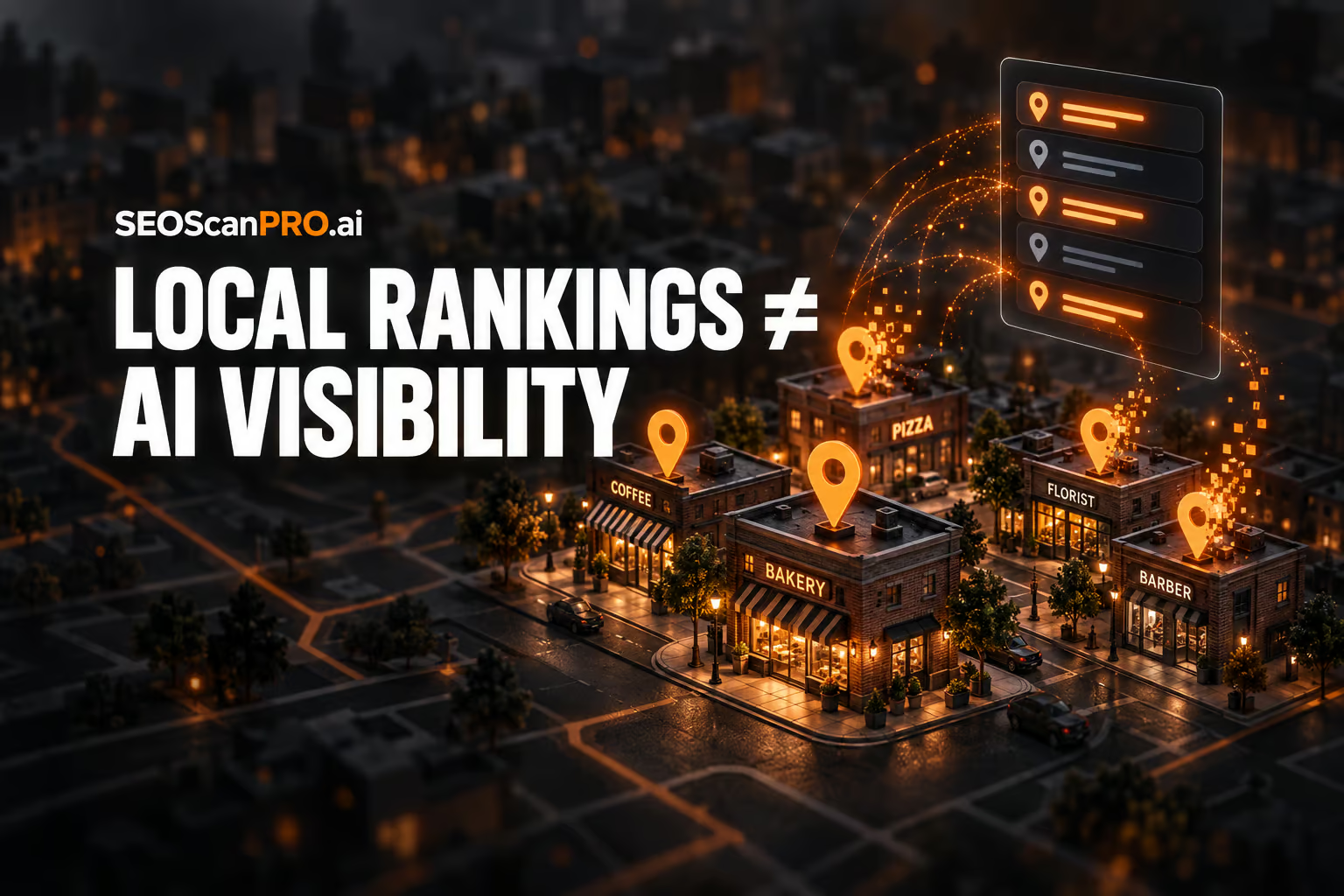
    Local businesses can reach more customers by understanding how often AI platforms return the same recommendations. A new study of 200,085 prompts and 1.9 million citations, attributed to the Local AI Visibility Tracker, reports that the same search run multiple times may return a different set of local businesses each time, with Google Maps surfacing tracked businesses 66% of the time compared to 32-38% for AI surfaces. The work was carried out using the Local AI Visibility Tracker across ChatGPT, Google AI Mode, and Google AI Overviews.

    What the study measured

    Researchers ran 200,085 non-branded prompts across three AI platforms: ChatGPT, Google AI Mode, and Google AI Overviews. The prompts covered searches that a local business could realistically be recommended for, spread across 1,300 business locations. Each prompt was then re-run several times over a 60-day period, and again from multiple points on a map within the same city, to measure how much the list of recommended businesses changed between runs (variance) and how often a single business reappeared (persistence).

    For each prompt run, the team logged which businesses were named, how many were mentioned, and how many businesses appeared across the different sets of answers.

    How consistent are local AI recommendations?

    There is significant variance in the businesses that AI platforms recommend when the same prompt is run repeatedly. Only 20-33% of businesses overlap between repeat runs on average (ChatGPT 23%, AI Mode 21%, AI Overview 33%). A business that appears once is seen again in about half of subsequent attempts (50% persistence for ChatGPT and AI Mode, 58% for AI Overview). 71-80% of businesses appear in half the attempts or fewer, so inconsistent inclusion remains the norm.

    A worked example shows why. For the prompt “best pizza place in manhattan for a tourist that only has time to try one pizza” run four times on ChatGPT, the four responses named different sets of businesses: one response added three extra businesses that appeared only once. Across the four runs the average similarity was 43% and the average persistence 50%.

    AI Overview had the highest consistency of the three platforms, but it also returned the fewest businesses per response. Part of the reason is that AI Overview grounds its answers in traditional search results and only fires for a smaller share of queries, while ChatGPT and AI Mode produce a response every time.

    How many businesses does each AI mention?

    ChatGPT surfaces the most businesses per response, but the median across platforms is 2-4. ChatGPT averages 4.1 businesses per response (range 1-7, median 4), Google AI Mode averages 3.5 (range 0-6, median 4), and Google AI Overview averages 2.5 (range 0-4, median 3). Empty responses are not rare either: 10% for ChatGPT and 11% for both Google surfaces.

    This tighter count from AI Overview mirrors the size of a traditional Local Pack, while ChatGPT’s longer lists are one of the main reasons its answers look less consistent from run to run.

    Does Google Maps ranking translate to AI visibility?

    Ranking well on Google Maps does not translate directly into being recommended by AI. Google Maps mentioned a tracked business in 66% of searches, compared to 38% for AI Overview, 33% for ChatGPT, and 32% for AI Mode. Maps is also far more stable: 99% average agreement across attempts vs 91-96% for the AI platforms.

    The platforms disagree with each other as well. AI Mode and AI Overview share only 29% of named businesses on average, despite both relying heavily on Google Business Profile. ChatGPT overlaps only 19-20% with either Google surface, reflecting its heavier use of Yelp and Bing sources rather than Google Business Profile.

    When an AI answers a prompt, it runs a “fan-out” of related sub-queries before blending the results. A prompt like “best lawyer in downtown LA for family law” gets broken into searches such as “best family law attorney Downtown Los Angeles,” “divorce custody reviews Los Angeles family law attorneys,” and “certified family law specialist downtown Los Angeles.” This is different from a single keyword match on Maps and helps explain why strong Maps rankings do not guarantee AI inclusion.

    How does moving across a city change the results?

    Like traditional local search, moving the searcher across a city changes what AI surfaces, and ChatGPT is the most volatile of the three. Overlap across different points in the same town runs at 36.2% for ChatGPT, 46.9% for AI Mode, and 47.4% for AI Overview. Only 3.5% of ChatGPT results are always present across points, compared to 8.8% for AI Mode and 25.0% for AI Overview.

    Proximity still matters. 52.8-59.3% of business picks fall within 5 km of the searcher, and 71.7-78.2% fall within 10 km. Both AI Overview and AI Mode keep tight radii, with around 5% of picks within 1 km. ChatGPT starts close to this but weakens with distance; its “circle of influence,” the radius covering 90% of its results, stretches to 287 km, compared to 64 km for AI Mode and 38 km for AI Overview.

    Where do AIs get their local information?

    The study also tallied which sources the AIs cited. Across all three platforms, business websites dominated: 93% of all unique domains cited were business sites, and they accounted for 42% of all citations. Google Business Profile was the single largest source at 28.5% of all citations across the three platforms. All three platforms rely on Yelp, with the Google surfaces leaning on Facebook as well, while ChatGPT pulls more from Yelp and Bing.

    What this means for local businesses

    The same prompt will return a different shortlist each time it is run, and a single business that appears once will reappear in roughly half of subsequent attempts. Treating that volatility as background noise is risky when visibility drops well below 50%. Tracking which prompts surface a business, how often, and alongside which competitors makes it possible to act on the pattern rather than leave it to chance.

    Practical steps that come out of the data: make the business address and NAP (name, address, phone number) easy to find and consistent across the website and off-site listings, keep location pages clear, build reviews, get listed on relevant local and industry directories, and review the Google Business Profile category. These are the same fundamentals that feed traditional local search, and the study shows they feed AI citation sources too.

    For businesses that want to see how their rankings shift across a service area rather than one city average, a geo grid report shows rank position mapped across towns and suburbs, and SEOScanPro’s GEO Grids do this.

    FAQ

    How often does AI recommend the same local business for the same prompt?

    About 50% of the time for ChatGPT and AI Mode, and 58% of the time for AI Overview. A business that appears once is seen again in roughly half of subsequent attempts.

    Does ranking on Google Maps mean a business will appear in AI answers?

    Not directly. Google Maps mentions a tracked business in 66% of searches, compared to 32-38% for AI platforms (38% AI Overview, 33% ChatGPT, 32% AI Mode). Maps rankings and AI recommendations are driven by different processes.

    How many businesses does each AI platform recommend per response?

    ChatGPT averages 4.1 businesses per response (range 1-7, median 4), Google AI Mode averages 3.5 (range 0-6, median 4), and Google AI Overview averages 2.5 (range 0-4, median 3). Empty responses occur in 10-11% of runs across the three.

  • Calls and clicks keep falling as Google Maps becomes the destination

    Calls and clicks keep falling as Google Maps becomes the destination

    Updated figures reveal the scale of this drop.

    For local businesses, the takeaway is clear: appearing in Maps is no longer enough. The map result itself now absorbs calls, directions, and browsing that used to land on a business site, which means a complete profile, accurate hours, and strong photos matter more than ever.

    What the data shows

    User actions like calls, website clicks, and direction requests have been trending down even as Google Maps usage continues to climb. More users complete their tasks in the Maps interface, whether by tapping to call, reading reviews, or checking photos, without visiting the business website.

    This pattern echoes a broader shift across Google Search itself, where AI Overviews and AI Mode are answering more queries directly on the results page. Maps appears to be following the same playbook: keep the user inside Google’s environment rather than handing them off to a third-party site.

    Why Maps is absorbing the customer journey

    Three forces reshape Google Maps into a destination rather than a directory:

    • Richer profile features. Business Profiles now surface photos, posts, menus, service lists, and Q&A directly in the Maps panel, reducing the need to click through.
    • Action shortcuts. Call, directions, save, message, and book buttons sit right inside the map result, letting users complete a task in one tap.
    • Most map searches include local intent, since users often look for nearby places and businesses. Most map searches carry commercial or navigational intent, so users often arrive ready to act, not to research.

    The website becomes a supporting asset for the users who still click through, rather than the main entry point.

    What this means for local SEO

    When a map function emits the closing wrapper, local optimization priorities change.

    • Profile completeness matters more than website traffic. Hours, categories, attributes, photos, and posts all live inside the Maps panel where the customer now decides.
    • Some studies suggest reviews are more influential in purchasing decisions. When shoppers do less research on a site, star ratings and recent review sentiment take on the persuasive role a landing page once played.
    • Call and direction tracking need a refresh. Attribution models that assume a website visit as the conversion event will undercount the customers who called straight from Maps.
    • Website pages should support the customer journey, not anchor it. Write pages for the questions a committed customer still has, not the discovery queries Maps already answers.

    The wider context: Google keeping users on Google

    Maps is one piece of a larger pattern inside Google properties. AI Overviews in main search answer factual queries without a click. AI Mode layers conversational follow-ups on top. Google Business Profiles continue to add features that used to live on business websites, from collected info to single-login management. Each move funnels more of the customer journey into a Google surface.

    Local businesses may not actually be hurt by these changes. The customers are still there, and many of them are closer to a transaction than before. Push the sale onto the Maps profile and keep the website for what Maps cannot do.

    FAQ

    Why are calls and website clicks from Google Maps falling?

    Users are completing more actions directly inside the Google Maps interface, using built-in call, directions, and browsing features, so fewer of them need to visit a business website.

    Does this hurt local businesses?

    Not necessarily. Customers still take action, but the conversion now happens inside Maps, which means a complete profile, accurate information, and strong reviews do the work that a website used to do.

    What should local businesses prioritize now?

    Focus on Google Business Profile completeness, recent reviews, and clear photos, and adjust attribution models to track calls and direction requests that never reach the website.

    Related coverage

  • Minisforum N5 and MS-S1 Max-P495 mini-PCs pack AMD Ryzen AI Max+ Pro 495 for local AI

    Minisforum N5 and MS-S1 Max-P495 mini-PCs pack AMD Ryzen AI Max+ Pro 495 for local AI

    Minisforum’s new N5 Max-P495 AI Agent NAS and MS-S1 Max-P495 AI Mini Workstation give buyers a way to run large AI models and agents entirely on local hardware. Both machines, shown at IFA 2026 in Berlin, run on AMD’s Ryzen AI Max+ Pro 495 processor with up to 192GB of unified memory.

    What the new Minisforum AI Agent NAS N5 Max-P495 offers

    The AI Agent NAS N5 Max-P495 is an update to Minisforum’s flagship NAS, which launched earlier this year with OpenClaw pre-installed. It now uses the Ryzen AI Max+ Pro 495 paired with an integrated Radeon 8065S GPU, delivering up to 131 TOPS of AI performance. Up to 160GB of the 192GB unified memory pool can be allocated as graphics memory.

    The chassis holds up to 200TB of local storage, enough for large datasets, model files, and ongoing AI workloads in one place. Minisforum positions the device as a centralized backend for data, models, knowledge, and long-running AI tasks. Running AI agents such as OpenClaw or Hermes Agent directly on the NAS keeps data on the user’s own machines, removes round-trip latency to the cloud, and insulates users from inference costs. The latter matters more as agentic AI workloads are known to consume far more tokens than standard AI calls.

    How the MS-S1 Max-P495 mini-PC is built for AI compute

    The MS-S1 Max-P495 is the refreshed top-of-the-line MS-S1 mini-PC, previously built around an AMD Ryzen AI Max 395+ APU. The new model uses the Ryzen AI Max+ Pro 495 with the Radeon 8065S integrated GPU and a dedicated NPU contributing 55 TOPS, for the same 131 TOPS total AI throughput. Minisforum lists support for model families from Gemma, OpenAI, and Qwen.

    The system accepts up to 192GB of unified memory, a generous ceiling for 3D rendering, video editing, and computational fluid dynamics. The earlier 8060S graphics on the Ryzen AI Max 395+ handled 1080p gaming, and the 8065S in the new chip is expected to do the same. For scaling, four MS-S1 Max-P495 units fit into a 2U rack, which lets small studios or labs stack several workstations in a server closet.

    How the N5 and MS-S1 compare to other local AI options

    The Mac mini and Mac Studio have been hard to find during the local AI boom, pushing buyers toward alternative platforms. The MS-S1 Max-P495 is positioned against those machines, while the N5 Max-P495 targets anyone who wants NAS-class storage fused with on-device AI inference in a single box.

    Pricing and availability for both models had not been announced at the time of the IFA 2026 reveal. Anyone in Berlin can see them in person at IFA from September 4 to 8, 2026.

    What this means for running AI on a desk or in a rack

    Putting 192GB of unified memory next to a 131 TOPS NPU changes the kinds of models that can run without a data center. Dense models and mid-sized MoE variants that previously choked on 64GB or 96GB systems now fit, with room left over for context windows and agent state. Keeping the workload on a local NAS or mini-PC also gives users control over what their agents touch, a useful safeguard when an agent could otherwise reach into a home directory.

    FAQ

    What processor do the Minisforum N5 Max-P495 and MS-S1 Max-P495 use?

    Both use AMD’s Ryzen AI Max+ Pro 495 with an integrated Radeon 8065S GPU, delivering up to 131 TOPS of AI performance, with 55 TOPS coming from the dedicated NPU.

    How much memory and storage can each system hold?

    Both systems support up to 192GB of unified memory, with up to 160GB allocatable as graphics memory. The N5 Max-P495 NAS adds up to 200TB of local storage.

    Where and when were the Minisforum N5 Max-P495 and MS-S1 Max-P495 shown?

    Both machines were shown at IFA 2026 in Berlin, Germany, running from September 4 to 8, 2026. Pricing and full availability details had not been announced at that point.

    Related coverage

  • Google Tests Sending Product Listings Straight to the Merchant Site

    Google Tests Sending Product Listings Straight to the Merchant Site

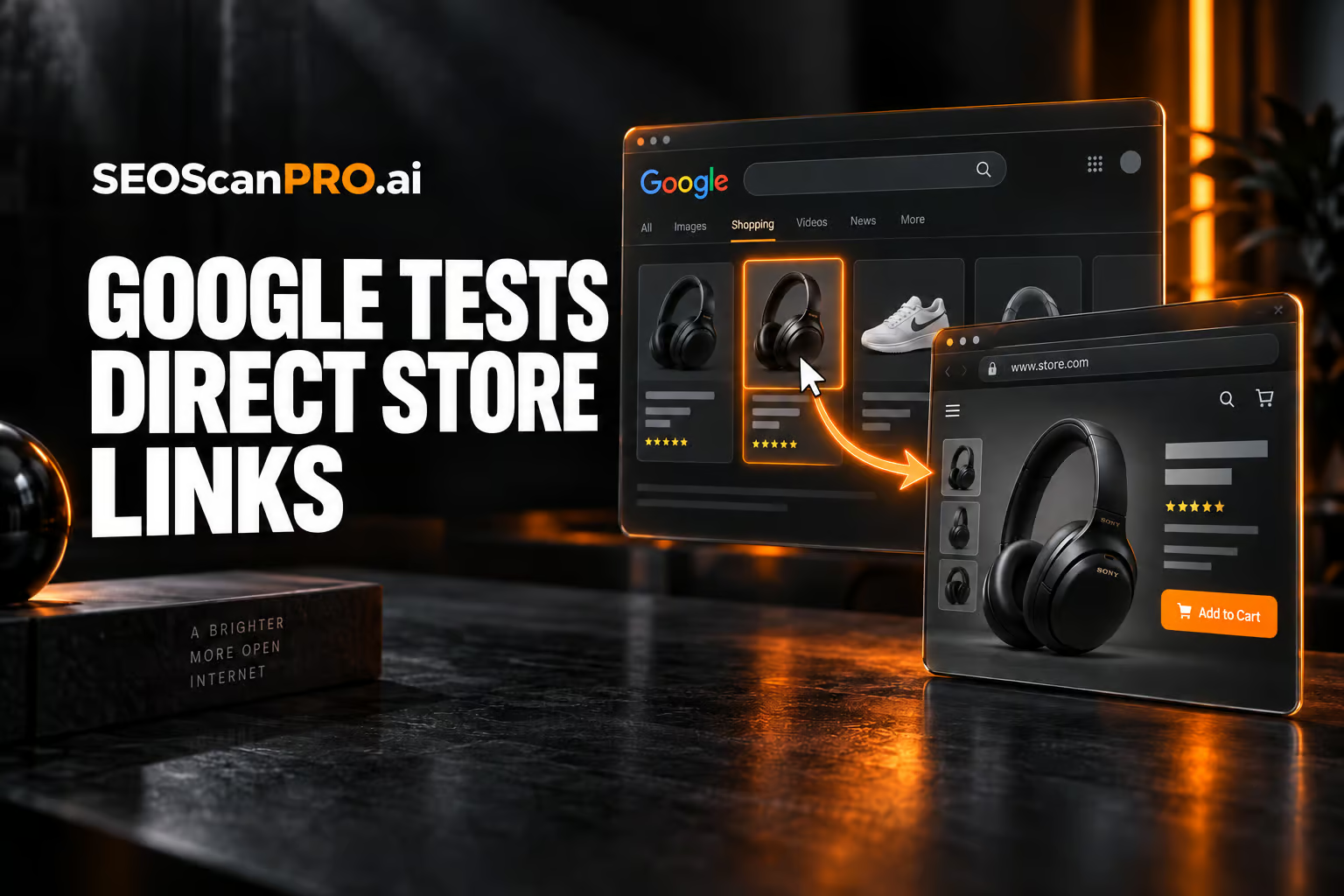
    Retailers stand to get shoppers on their own product page in a single click: Google is testing a version of its Search product listings that links directly to the merchant or retailer website. In the current experiment, clicking a free product grid listing sends the shopper straight to the retailer’s product page instead of opening the side panel that displays the product with multiple retailers. Google began the test in the core web search results after trying the same behavior inside Google Shopping earlier.

    What is Google changing in the product listings?

    Product and shopping results that appear inside Google Search currently open an overlay when clicked. That side panel shows more details about the product along with several retailers that sell it. The test replaces that step: a click on a free product grid listing now loads the retailer’s product page directly, skipping the overlay experience with multiple retailers.

    The change was described this way by the person who spotted it: clicking product grid free listing results takes you directly to the product page instead of displaying the product overlay with multiple retailers.

    How does this differ from the current experience?

    Today, a shopper who clicks a listing sees the product overlay first. That panel keeps the shopper on Google, presents product details, and lists competing retailers side by side before the shopper chooses where to go. Under the test, that intermediate panel is removed for free product grid listings, and the click resolves as a direct visit to the merchant’s page for that item.

    For a retailer, the difference is where the click lands. The overlay routes attention through a comparison view that surfaces rivals. A direct link places the shopper on the retailer’s own product page from the start.

    Where has Google tried this before?

    This is not the first place Google has experimented with direct linking. Google tested the same behavior within Google Shopping in June before extending the trial to the core web search results. Running it in core Search reaches a wider set of queries than the Shopping surface alone.

    What should retailers watch for?

    Because this is a test, the behavior may appear for some shoppers and not others, and Google can change or roll it back at any time. Retailers who rely on free product listings can monitor how their Search clicks resolve and whether shoppers are arriving on product pages directly rather than through the overlay. Tracking landing pages and referral patterns for product listing traffic will show whether the direct-link behavior is reaching a given store.

    FAQ

    What is Google testing with product listings in Search?

    Google is testing linking product and shopping results in Google Search directly to the merchant or retailer website, so a click on a free product grid listing loads the retailer’s product page instead of opening the side panel that shows the product with multiple retailers.

    What does the current side panel show?

    When a shopper clicks a product result today, Google opens an overlay with more details about the product and a list of multiple retailers that sell it, keeping the shopper on Google before they choose where to go.

    Has Google tried direct linking before this test?

    Yes. Google tested the same direct-linking behavior within Google Shopping in June and is now testing it in the core web search results.

  • Google Search Console AI Reporting Will Evolve Over Time

    Google Search Console AI Reporting Will Evolve Over Time

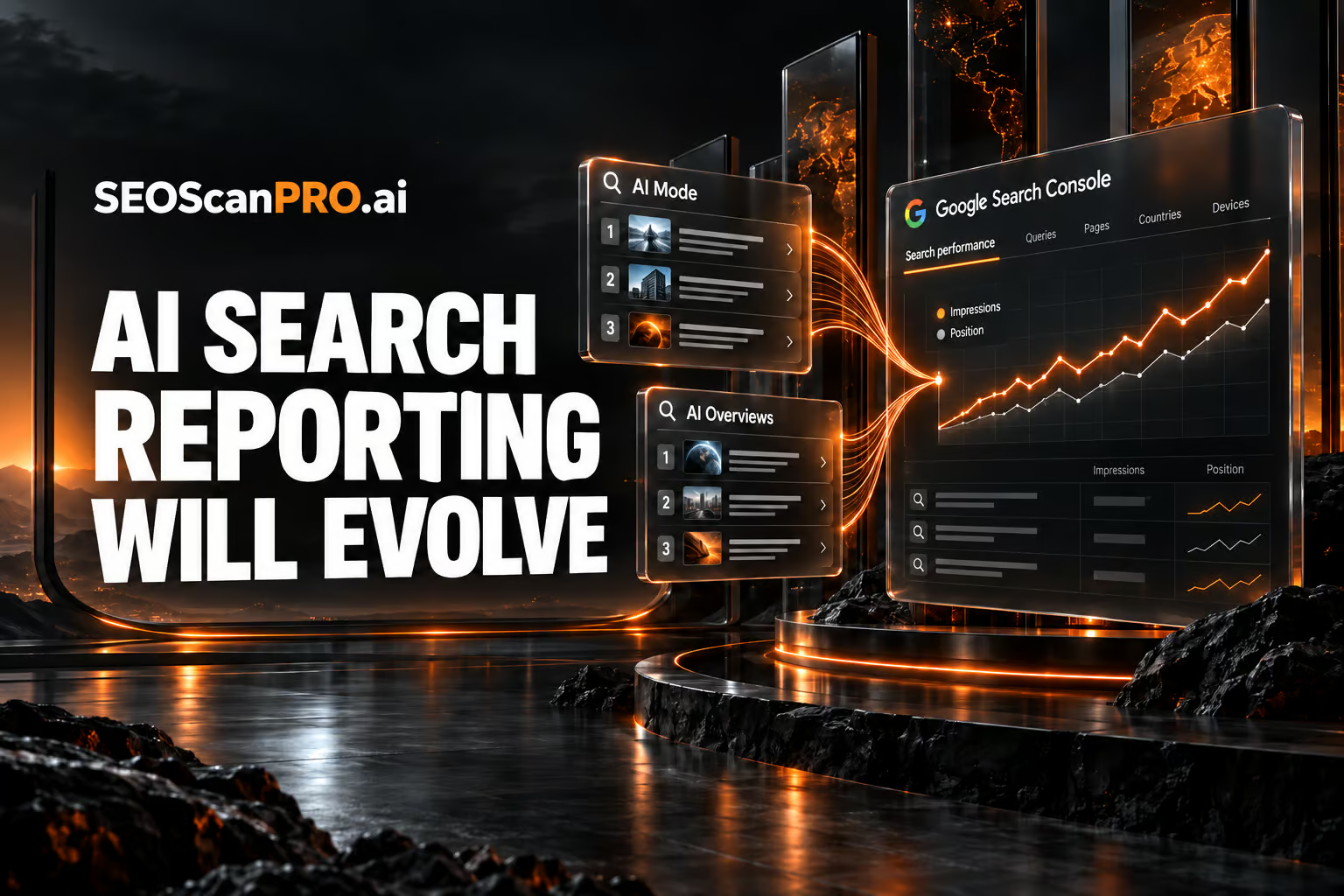
    Site owners get a clearer read on how their pages show up across Google’s newer search experiences, because Google has confirmed that Search Console AI reporting for AI Mode, AI Overviews, and standard Search will keep improving over time. Google made the statement in September 2026 while answering how positions are counted inside AI Mode. The company said it will refresh its documentation whenever the changes are significant, so the guidance stays useful as these features develop.

    What Google confirmed about AI reporting

    Google said it expects the position and impression tracking for AI Mode, AI Overviews, and Google Search to evolve over time as those search experiences evolve too. The point is that the measurement follows the product: as the way results appear changes, the way Search Console records impressions and positions changes with it.

    Google also acknowledged that there are edge cases when tracking these metrics across AI Mode, AI Overviews, and Search. Rather than promise a single fixed rule, the company framed the goal plainly: the aim is not a written-in-stone absolute truth for position counting, which it called impossible, but something useful for site owners who want to understand how their site is shown.

    Why the numbers can shift

    Because AI Mode and AI Overviews present results differently from a standard list of ten blue links, counting a position inside those layouts is not always straightforward. Google described the ongoing changes as a normal part of search moving forward, and noted that interpreting, understanding, and comparing these metrics will take some work on the site owner’s side as the reporting continues to develop.

    Google added that it will update the documentation when or if there are significant changes, so the official reference stays aligned with how the metrics actually behave.

    How positions are counted in AI Mode

    The question that prompted the response asked how rankings are calculated in AI Mode. Specifically, it asked whether individual link citations are counted in sequence as standard web positions, meaning first, second, and third link from top to bottom, or whether the entire AI Mode response is treated as a single block occupying position number one, similar to how AI Overviews can be handled. The question also noted that the current Search Console documentation did not offer a clear explanation for that layout, and that the official documentation had not changed in some time.

    Google’s answer did not lock in one counting method for every situation.

    What site owners can do now

    Treat AI Mode and AI Overviews figures in Search Console as measurements that describe a moving target. Watch for updates to Google’s official documentation, since that is where the company said it will record significant changes. When you compare impression and position data across time, account for the possibility that the underlying layout or counting approach has shifted, and lean on the data to understand how your site appears rather than as a permanent, exact ranking figure.

    FAQ

    Will Google Search Console AI reporting change over time?

    Yes. Google said position and impression tracking for AI Mode, AI Overviews, and Google Search will evolve over time as those search experiences evolve, and it will update the documentation when changes are significant.

    How are positions counted in AI Mode?

    Google did not commit to one fixed method. The open question was whether link citations are counted in sequence from top to bottom or whether the whole AI Mode response is treated as a single block at position one. Google acknowledged edge cases and said the goal is useful reporting rather than an absolute rule.

    Where will Google announce changes to these metrics?

    Google said it will update its official Search Console documentation when or if there are significant changes, so that reference is where site owners should look for the current definitions.

    Related coverage

  • How to Add a Google Search Profile Badge to Your Website

    How to Add a Google Search Profile Badge to Your Website

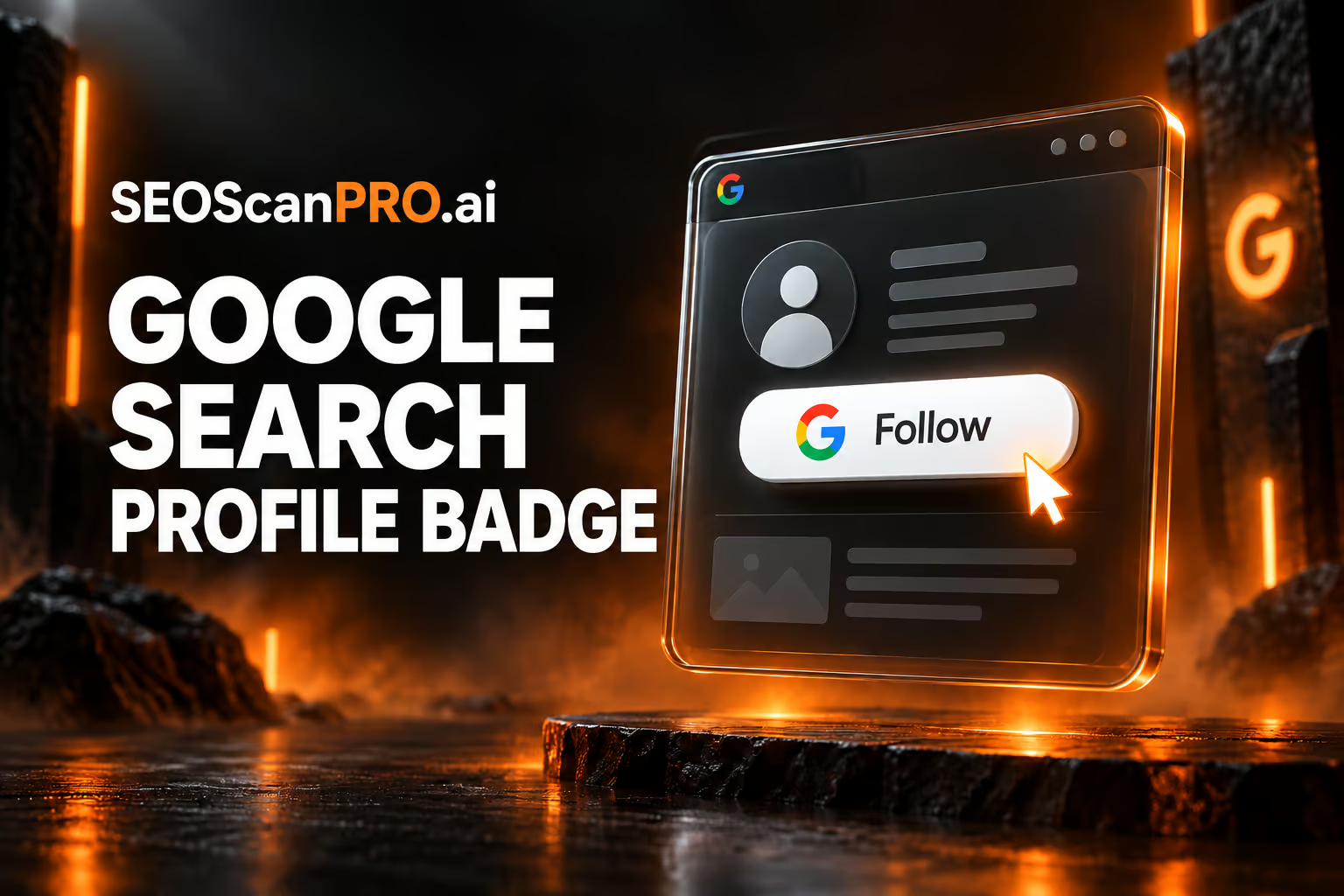
    You can now add a Google Search profile badge to your website, giving visitors a one-click way to follow your content directly from your own pages. The badge is part of the new Search profiles features Google rolled out, and it extends your reach so people who land on your site can subscribe to your updates across Google Search. To use it, you first need to claim your Search profile.

    What is the Search profile badge?

    The badge is a button you place on your website that lets users and searchers follow you. Google’s help document frames it this way: "After you’ve claimed your Search profile, you can encourage your audience to find your content from across the web by adding a Search profile badge to your website." Once a visitor follows you through the badge, your content becomes easier for them to find again inside Google Search.

    How do you add the badge to your site?

    Adding the badge starts with claiming your Search profile. After the profile is claimed, Google provides official assets and a code snippet you paste into your website to display the button. From there, visitors can click the badge to follow you.

    What are the brand guidelines for the badge?

    Google lists a set of best practices to keep the badge accessible and recognizable:

    • Keep touch targets accessible. Maintain a clickable target of at least 48 by 48 dp on Android and 44 by 44 px on iOS and web.
    • Preserve logo integrity. When using Google’s official assets, do not stretch, distort, rotate, or alter the colors of the "Super G" icon or the Search profile button.
    • Do not mix monochrome and colorful badges. If you use monochrome for all icons, use the monochrome "G" icon to match.
    • Maintain badge clarity. If you want to show the Search profile badge and the Preferred Sources badge together, use the higher-emphasis Search profile button with the label so the two are distinct. Do not use the "Super G" icon for the Search profile when it is paired with the Preferred Sources badge.

    How does it relate to Preferred Sources and Tailor your feed?

    The Search profile badge sits alongside two related Google features: Preferred Sources and Tailor your feed. Preferred Sources has its own badge, which is why Google’s guidelines address how to display both without confusing readers. If you plan to use the Search profile badge and the Preferred Sources badge side by side, the label on the Search profile button keeps them clearly separated.

    Why the badge matters for publishers

    The badge turns your existing website traffic into followers. Every visitor who already reads your content gets a direct path to follow you, which helps your work resurface for them across Google Search. Because the button lives on your own pages, you control where it appears and how prominently you feature it.

    FAQ

    What do I need before adding a Search profile badge?

    You need to claim your Search profile first. Google’s help document states that after you have claimed your Search profile, you can add the badge to your website to encourage your audience to find your content across the web.

    What size should the badge’s clickable area be?

    Google recommends keeping the clickable target at least 48 by 48 dp on Android and 44 by 44 px on iOS and web to keep touch targets accessible.

    Can I show the Search profile badge and the Preferred Sources badge together?

    Yes. Google advises using the higher-emphasis Search profile button with its label so it stays distinct from the Preferred Sources badge, and it says not to use the "Super G" icon for the Search profile when pairing it with the Preferred Sources badge.

    Related coverage

  • How to Rank in ChatGPT Search: A Practical Guide

    How to Rank in ChatGPT Search: A Practical Guide

    Updated October 30, 2026 at 4:59 AM ET

    You can improve your visibility in ChatGPT by making sure the chatbot can retrieve your pages, structuring content for clear extraction, and building consistent references across your site and trusted third-party sources. ChatGPT rankings differ from Google rankings because appearing in an answer is less useful when the brand is mentioned without a link, described without favorable context, or buried beneath stronger alternatives.

    ChatGPT may draw on live web results, its model training data, search indexes, review sites, and industry publications. The review should cover crawler access, indexation, extractable content, prompt alignment, original material, citations, and brand consistency.

    How does ChatGPT form its answers?

    ChatGPT retrieves information relevant to a prompt, passes it to its large language model, and generates a response. The available information comes from live search and model training data.

    Live search

    ChatGPT can fetch pages from the open web and draw on its own index of webpages, created with the OAI-SearchBot crawler. Its size and frequency of use are unclear. Some workspaces using offline search may rely on that index, although it is not known whether a typical user prompt does so.

    OpenAI’s partnership with Microsoft gives ChatGPT access to the Bing index, whose main crawler is Bingbot. ChatGPT also uses Google’s index. Partnerships with news and data providers also allow the service to display current information such as MLB game results.

    Review sites and industry publications can list a brand as a source even without a formal partnership. Brand visibility therefore depends on its presence across many sources, not only on its own website.

    Ahrefs’ analysis of 66.6 million ChatGPT responses found that only 14.4% contained a fan-out query, meaning ChatGPT ran an additional web search related to the original prompt. Those responses averaged about 1.6 fan-out queries each, so a page may need to match one of those searches to become visible through that retrieval path. The finding, published by Ahrefs, also showed that 76% of the site: searches among the roughly 160 most-searched sites targeted a company website.

    Training data

    Model training data can come from publicly accessible internet content, partnerships with specific publications, and synthetic data created by OpenAI. It can support answers without live search or alongside it. Training data changes only when the model is retrained, which happens on the order of months to years.

    A brand with a strong representation in that data may be recommended in training-only answers and in answers that use live search. Visibility work can support both retrieval paths.

    What should a ChatGPT visibility audit check?

    1. Crawler access

    Check yourdomain.com/robots.txt for rules that disallow OAI-SearchBot, GPTBot, or ChatGPT-User. OAI-SearchBot supports live retrieval, GPTBot supports model training, and ChatGPT-User is triggered by actions initiated by a user. OAI-AdsBot verifies advertising safety and relevance, which is separate from organic visibility in ChatGPT answers.

    Also check whether your hosting provider’s firewall blocks the relevant bots. In Cloudflare, the source describes a path through Security, Settings, and Block AI Bots, where the setting can allow crawlers.

    2. Search index coverage

    Review Google Search Console under Indexing and Pages, especially the section explaining why pages are not indexed. For Bing, use Site Explorer in Bing Webmaster Tools, select an issue type, and inspect the corresponding URLs for important pages missing from Bing results.

    3. Extractable content

    Use clear question headings followed by direct answers. Write concisely, avoid complex sentence structures and excessive metaphor, and use definitive language when a statement is accurate. Hedging words such as “may,” “might,” and “potentially” can leave uncertainty about what the page means.

    4. Prompt relevance

    Track the questions your audience asks in ChatGPT and review the answers and cited sources. If the answers rely on third-party best-of lists, earning a place on those lists may offer more visibility than trying to replace them with a citation to your own site.

    5. Original evidence

    Original content gives ChatGPT a reason to cite or recommend a site. It can take the form of a distinctive framework, process, or methodology; a clear point of view; detailed first-hand comparisons; or a term defined for a specific concept. Content that explains what a product does, who it suits, and how it compares with named alternatives can also support recommendations.

    Mailchimp, for example, publishes a comparison with Brevo that the source says ChatGPT cited when answering a platform-choice question. Garmin’s page about tactical watches is cited as an example of content aimed at a specific use case.

    6. Brand consensus

    Third-party mentions can help ChatGPT recommend a brand. The source points to digital PR, customer reviews, links from other sites, relevant directory listings, active social profiles, and reputation management as ways to build that consensus.

    7. A consistent narrative

    Use the same description of the brand and its offerings across the website, social media, and directories. A consistent account gives retrieval systems and language models a clearer picture of what the business offers and whom it serves.

    8. Current, accurate content

    Review important pages regularly and update them when information changes.

    How does position compare with traffic from Google?

    Google rankings have traditionally been closely tied to clicks, although the relationship has weakened with search features such as AI Overviews. ChatGPT does not offer the same predictable relationship between position and traffic. One leaked document suggests most ChatGPT click-through rates are between 0% and 2%, while another study estimated the click-through rate for the top Google result at about 28%.

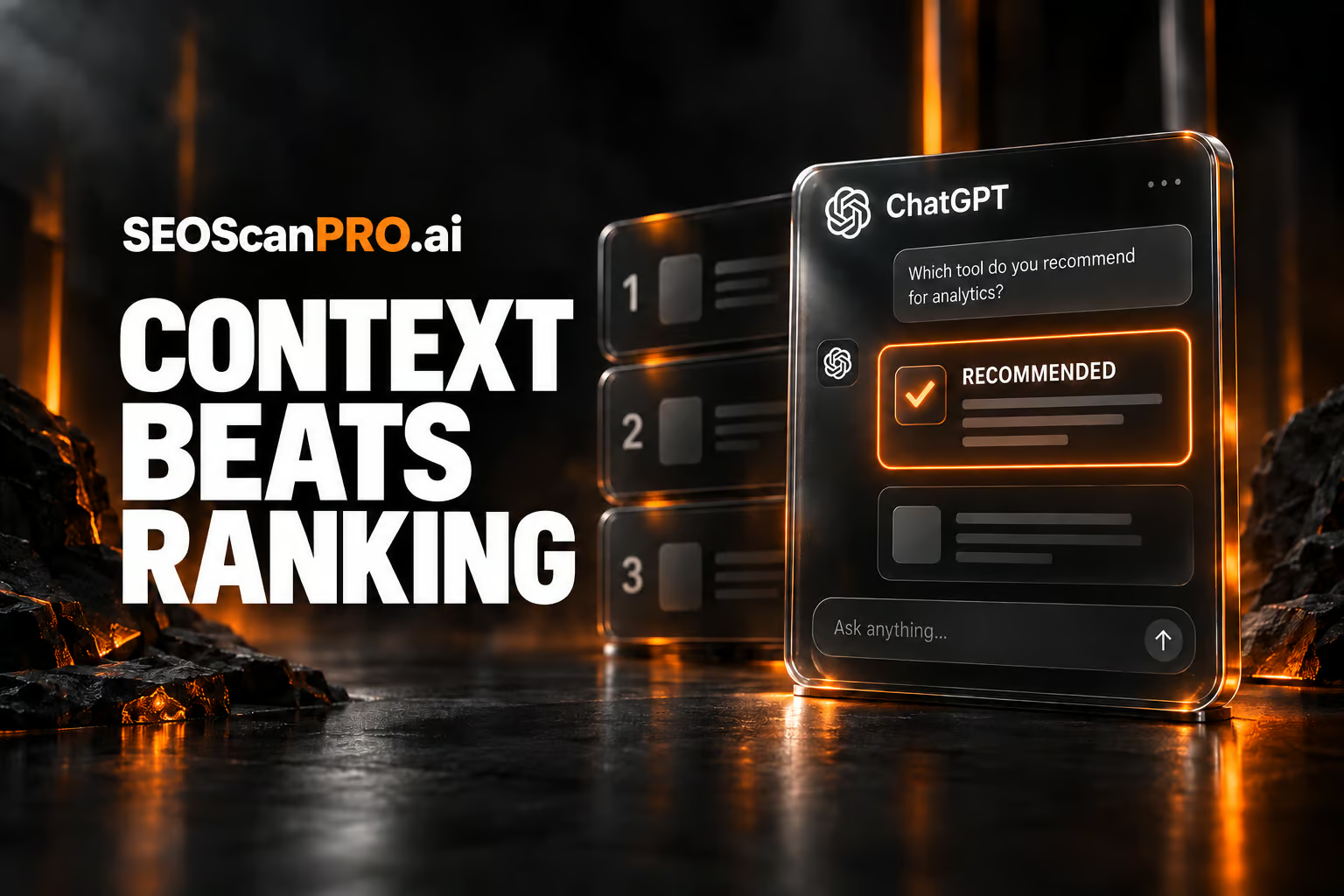
    The context around a ChatGPT citation can matter more than its position. A response may include recommendations, advantages, disadvantages, and alternatives instead of the title and description used for most Google listings. A favorable description in second or third place may receive the visit.

    For that reason, ranking in ChatGPT means appearing in the answer as a linked citation, a brand mention, or both. The practical goal is to be the recommended brand and receive favorable context for prompts that matter to the target audience.

    What to do now

    1. Review robots.txt, hosting security settings, and firewall rules for OAI-SearchBot, GPTBot, and ChatGPT-User. Record any rules that prevent the relevant crawlers from reaching important pages.
    2. Check Google Search Console and Bing Webmaster Tools for important pages that are not indexed, then resolve the indexing issues shown in each interface.
    3. Audit priority pages for clear headings, direct answers, concise language, and definite wording where the underlying facts support it.
    4. Collect the audience’s relevant ChatGPT prompts, record the current answers, and identify the sources cited for each one, including third-party lists.
    5. Compare the brand’s description across its website, social profiles, and directory listings, then standardize the core wording and supporting details.

    How to monitor AI visibility

    A site audit can reveal technical barriers such as blocked crawlers, missing indexation, or weak page structure.

    For businesses that depend on accurate business listings across directories, BizScoreAI provides AI visibility scoring and an AI Audit that reports what its AI agent found. That is relevant when the audit includes listing presence, citations, or how the business appears in AI search.

    FAQ

    Does ranking in ChatGPT require a link to your website?

    No. A brand can appear as a linked citation, a brand mention without a link, or both. ChatGPT ranking means appearing in the answer in some form.

    Is position less important than context in ChatGPT?

    ChatGPT answers can include recommendations, advantages, disadvantages, and alternatives. A brand in second or third place may get more attention than a higher-ranked brand if its description is more favorable.

    How often does ChatGPT use live web search?

    Ahrefs found that only 14.4% of 66.6 million analyzed responses contained fan-out queries. Those responses averaged about 1.6 fan-out queries each.

    Try the AI visibility report

    SEOScanPro, which includes the AI visibility report

    SEOScanPro runs a full technical audit of a site and shows the measured result behind every check. Open the AI visibility report.

    This article reports on publicly available information from the sources listed below. We have no reason to believe it is inaccurate, but we have not independently verified every claim, and details may change as the story develops.

    Sources

  • Google TimesFM-3 Forecasts Sales From Weather, Discounts, and Related Products

    Google TimesFM-3 Forecasts Sales From Weather, Discounts, and Related Products

    Updated November 4, 2026 at 6:36 PM ET

    Google Research has released TimesFM-3, an AI model that forecasts the future from time series like daily sales figures, drawing on related data and known upcoming events to improve its predictions.

    Google Research released TimesFM-3 on September 12, 2026. It reads time series alongside known future events and ranks first among pretrained forecasting models on Google’s three chosen benchmarks, though newer work shows that benchmark position does not settle every forecasting question.

    How TimesFM-3 Uses More Than a Sales Series

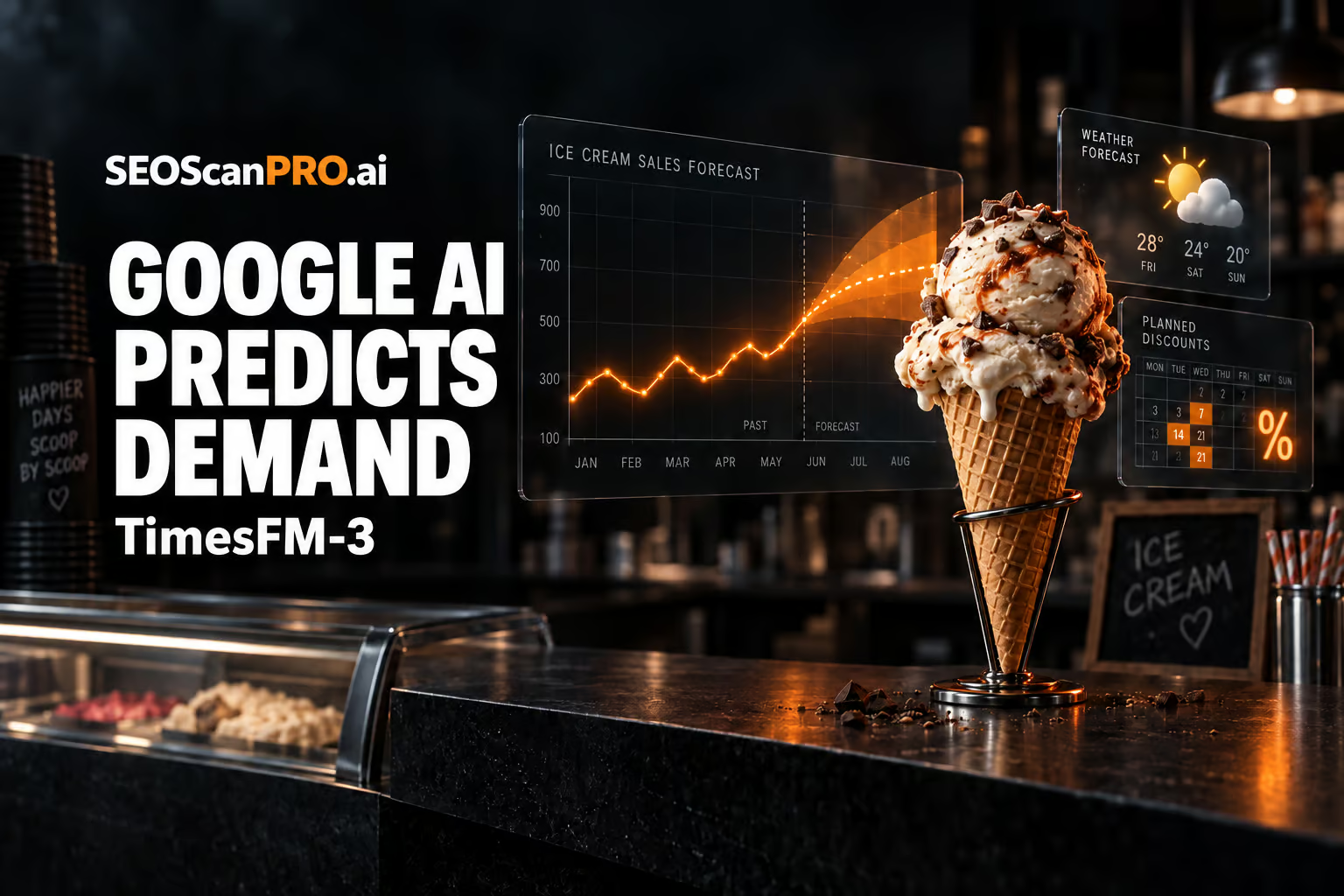
    Google illustrates the model with a retail chain forecasting ice cream sales. A practical forecast can include related products such as waffle cones and syrup, along with historical foot traffic, weather, discount campaigns, and holidays.

    TimesFM-3 handles three types of supplementary data:

    • Multiple related variables, such as different ice cream flavors, predicted together.
    • Factors known only from the past, such as historical foot traffic.
    • Known future events, such as planned discounts and weather forecasts.

    Instead of returning one number for each time step, the model outputs nine values to show the range and uncertainty around a prediction.

    What One-Shot Forecasting Changes

    Earlier versions in the TimesFM family predicted the future one block at a time. Google says that method was slow, compute-heavy, and allowed errors to compound as each prediction built on the previous one.

    TimesFM-3 marks future time steps as blanks and fills them in a single pass. In Google’s ice cream example, a model that knows only past sales continues the usual weekly pattern and misses planned promotions. According to Google, with the discount schedule supplied, TimesFM-3 can learn from history how promotions affect demand and may expect roughly 20 percent more units on each promotion day.

    For website teams, that points to a concrete audit question. Are campaign dates, seasonal offers, and weather conditions represented as structured inputs, or does the business expect a forecast tool to infer them from a sales chart?

    How the Model Processes Data

    TimesFM-3 uses a Transformer architecture, the same base design as earlier versions. It groups 32 consecutive data points into one patch and normalizes each series to a common scale, allowing measurements with very different magnitudes to be compared.

    The model then works in two directions. Along the time axis, it identifies patterns within a series and draws only on past values, which prevents future information from leaking into the forecast. Across series, it compares variables at the same point in time and learns their relationships, such as how a discount on one product affects demand for another.

    Google reports that the model has 330 million parameters and was trained on real and synthetic time series totaling more than one trillion data points. According to Google, it operates zero-shot, so no extra training may be required for a new task.

    Where the Benchmark Lead Has Changed

    According to Google, TimesFM-3 ranks first among pretrained forecasting models on Gift-Eval, FEV-Bench, and Time in both point accuracy and uncertainty calibration. The comparison set includes Amazon’s Chronos-2, the Toto-2.0 family, and Google’s TimesFM-2.5. Google says the model matches or beats the field with only one variable, while adding more data widens the gap.

    That result now has two important qualifiers. Mistral AI says its 209M model has a different advantage: “Our 209M model beats TimesFM-3 and Falcon-2.0 with fewer parameters.” Mistral’s Timestral family includes 5M, 28M, 123M, and 209M parameter versions. Mistral reports that all four sit on the Pareto front for accuracy against model size and that the family does not need a GPU for inference.

    An independent study led by Ebrahim Khaled Ebrahim, Somaia Mohamed Ali, and Ahmed El-Kotory also found a setting where a classical method wins. Across 7,200 generated series, a pre-registered protocol, and a 12-step horizon, neither family dominated every scenario. The researchers found: “With four or more cycles automatic ARIMA is 21-24% more accurate than TimesFM-3 on seasonal ARIMA data.”

    The study also reported that TimesFM-3’s error was never more than 1.31 times the best method in a scenario, while every classical method was at least 2.2 times worse somewhere. On intermittent demand, TimesFM-3 showed no advantage over simple history-based benchmarks. The result applies to the short horizon tested, since at steps 25 to 48 the three foundation models tested forecast a decline on a saturating process whose level stays flat.

    What This Means for Website Forecasts

    All versions through TimesFM-2.5, released in September 2025, could only process one data series at a time, making TimesFM-3’s multivariate support a major step forward.

    A model that leads on general public benchmarks may still lose to automatic ARIMA on strongly seasonal data with four or more cycles. According to Mistral AI, the smaller models in its Timestral family are faster and cheaper.

    For marketers working with search performance data, the same data discipline applies. Check the timestamps and definitions used across the records before combining them.

    Where TimesFM-3 Is Available

    TimesFM-3 is available on GitHub and Hugging Face. According to Google, it may be added to BigQuery in the coming weeks. TimesFM-2.5 currently handles single-variable forecasting in BigQuery through the AI.FORECAST command.

    Since the family launched in 2024, Google says it has been deployed across retail, finance, manufacturing, healthcare, and the sciences. Versions through TimesFM-2.5, released in September 2025, processed only one data series at a time, making multivariate support the main advance in TimesFM-3.

    Google is also developing forecasting systems outside the time series family. According to the-decoder.com, in early August Google DeepMind released WeatherNext Cyclones, an open-source system for tropical cyclones that predicts storm tracks and intensity about a day further out than leading operational models.

    What to Do Now

    1. List the variables your forecast depends on. Write down sales, related product data, historical traffic, campaign dates, holidays, and weather sources before choosing a model.
    2. Check that each source shares matching time periods. Review how the records are dated and whether promotional, seasonal, and traffic data can be joined to the sales series.
    3. Record known future events separately. Make scheduled discounts and weather inputs explicit so the forecasting process can use them instead of only extending past patterns.
    4. Compare models on your own seasonal pattern. Evaluate TimesFM-3 against a classical method such as automatic ARIMA, especially if the data contains four or more seasonal cycles.
    5. Track both accuracy and uncertainty. Review the range of forecast values and the error metrics relevant to your decisions rather than relying on a single point estimate.

    FAQ

    What Is Google TimesFM-3?

    TimesFM-3 is a time series forecasting model from Google Research that predicts future values such as daily sales from past data. It uses related products, factors known only from the past such as historical foot traffic, and known future events such as planned discounts and weather forecasts. According to the-decoder.com, it has 330 million parameters, was trained on real and synthetic time series totaling more than one trillion data points, and works zero-shot.

    How Is TimesFM-3 Different From Earlier Versions?

    Every version through TimesFM-2.5 could process only one data series at a time. TimesFM-3 adds multivariate support, so it can forecast several related variables together and use supplementary past and future data. It also replaces block-by-block prediction with a one-shot method that marks future steps as blanks and fills them in a single pass, which Google says reduces the compounding errors of the older approach.

    Where Can I Access TimesFM-3?

    According to Google, TimesFM-3 is available on GitHub and Hugging Face, and may be added to BigQuery in the coming weeks. In BigQuery, TimesFM-2.5 currently handles single-variable forecasting through the AI.FORECAST command.

    This article reports on publicly available information from the sources listed below. We have no reason to believe it is inaccurate, but we have not independently verified every claim, and details may change as the story develops.

    Sources

  • How AI Answers Are Reshaping Manufacturing SEO Visibility

    How AI Answers Are Reshaping Manufacturing SEO Visibility

    Manufacturing brands have a new way to get found: AI answers now recommend products and companies directly inside search results, opening fresh visibility for anyone doing manufacturing SEO. A study built on three Semrush datasets tracked AI Overviews, traffic channels, and AI mentions and citations across the sector between January and July, and it found AI Overviews growing fast while AI-referred traffic stays small. Legacy manufacturers lead in mentions, but the sites earning citations are a different group entirely.

    How much are AI Overviews growing in manufacturing search?

    Across a set of 458 manufacturing and industrial keywords, AI Overviews grew from 38% of all search volume in January to 57% in July, a jump of 19 points. They are becoming a standard part of the results page in this sector. They no longer appear only on informational queries like "what is a transformer." They also showed up on specific product searches such as "pneumatic cylinder" and part-number queries like "csla2gf," and on brand searches including National Instruments.

    Where does manufacturing web traffic actually come from?

    Clickstream data shows the channels sending people to these domains. Direct and organic search together account for nearly 80% of all sessions to manufacturing sites. AI Mode and AI assistants combine for just under half a percent, at 0.48% of all sessions. AI-referred traffic to this industry is still in its early stages.

    Direct traffic share has grown as organic search share has fallen. Demand for industrial services can stay steady as the way people find those websites changes.

    Visibility inside AI answers can still pay off. A survey of more than 600 B2B professionals found that buyers already use AI to shortlist vendors and inform purchases worth over $1,000. Those buyers often follow up on an AI conversation with a Google search or a direct visit to a brand named in the answer. That delayed visit is hard to measure with standard analytics, a gap some marketers call the dark funnel. Rising direct traffic or branded search can signal improving AI visibility even when the AI referral never shows up in reports.

    Why are brand mentions and cited sources two different rankings?

    A mention is a brand name appearing in the text of an AI answer. A citation is a link the AI points to as a source. Using the Semrush AI Visibility database, the study benchmarked both, and the two lists barely overlap. Of the top 15 domains on each list, only two, Vevor and Grainger, appear on both.

    The top-mentioned brands are 3M, John Deere, and Boeing, names buyers already trust before they type a prompt. Most of these companies existed roughly a century before OpenAI or Gemini, and their wide product lines make them relevant across many prompts. The most-cited domains are a mixed group: reference site engineerfix.com, retailer vevor.com, manufacturers thermofisher.com, sigmaaldrich.com and carrier.com, marketplace made-in-china.com, distributors rs-online.com and grainger.com, directories thebluebook.com, thomasnet.com and globalspec.com, construction software procore.com, the Royal Society of Chemistry at rsc.org, review site protoolreviews.com, and energysage.com.

    Do the most authoritative sites get the mentions or the citations?

    Authority Score, Semrush’s measure of domain trust based on organic traffic, backlinks, and spam signals, was far more consistent across the top-mentioned brands than the top-cited sources. The top-cited list runs wide: engineerfix.com scored only 17, while made-in-china.com scored 77, higher than any of the top-mentioned brands. That points to a useful conclusion for marketers: website authority appears to correlate more with earning AI mentions than with earning citations, so the same work that builds authority can build mention volume.

    Why does one site get cited by ChatGPT but not Google?

    Citation behavior differs sharply by platform. engineerfix.com dominates citations on ChatGPT yet does not crack the top-cited sources on any Google AI surface, including Gemini, AI Mode, and AI Overviews. The site ranks for only about 3,700 keywords on Google with little estimated traffic, yet pulls close to 300,000 monthly organic visits overall. Its Traffic Journey shows DuckDuckGo, Bing, and Yahoo driving more than 68% of that traffic, with Google under 2%. A strategy that wins citations on ChatGPT will not necessarily win them on Google’s AI surfaces at the same rate, so tracking AI visibility means looking beyond Google to every engine AI draws from.

    Do more mentions mean more AI traffic?

    Mentions and citations do not translate cleanly into visits. Vevor.com and grainger.com show AI traffic that matches or beats their mention counts, and siemens.com’s AI traffic exceeds its mention count outright. engineerfix.com leads on ChatGPT citations but earns only a fraction of the AI traffic that domains lower on the list receive. Made-in-china.com and rsc.org draw some of the highest AI traffic among the top-cited sources.

    Content type helps explain the gap. engineerfix.com offers general guides and FAQ-style articles with little to act on beyond reading, so there is weak incentive to click a citation. Made-in-china.com is a marketplace where a citation can lead straight to a product and a purchase. Grainger, a major distributor, gives buyers a place to order, with one top AI-traffic page being a product listing for a Motorola two-way radio. At rsc.org, the pages cited most sit in an /element/ subfolder covering periodic-table elements, while the pages earning the most clicks are peer-reviewed papers in a /content/ subfolder on topics like PFAS chemistry, composite materials, and biodegradable coatings. Dense original research offers something an AI answer cannot fully reproduce, which gives readers a reason to follow the link.

    FAQ

    How often do AI Overviews appear in manufacturing searches?

    Across 458 tracked manufacturing and industrial keywords, AI Overviews appeared on 57% of search volume in July, up 19 points from 38% in January.

    How much website traffic in manufacturing comes from AI search?

    AI search tools and assistants account for 0.48% of all sessions to manufacturing sites, with direct and organic search together making up nearly 80%.

    Does being mentioned more in AI answers bring more traffic?

    No. The data shows mention and citation counts often do not correlate with AI-driven visits, since content type and buyer intent shape whether people follow a link.

    Related coverage

  • Google Chrome Adds New Metrics to Measure Ad-Heavy Websites

    Google Chrome Adds New Metrics to Measure Ad-Heavy Websites

    Site owners and developers now have new measurement data in Google Chrome that shows how advertising affects the browsing experience on ad-heavy websites. The browser introduced these metrics so teams can quantify the load that ads place on a page and connect that load to how the page performs for real visitors. For anyone who runs an ad-supported site, the change turns a vague concern about clutter into something concrete you can track.

    What did Google Chrome introduce?

    Chrome added new metrics focused on measuring pages that carry heavy advertising. The purpose is to give the people who build and maintain websites a clearer view of how ad content contributes to the overall experience, rather than leaving ad impact buried inside general performance numbers. With dedicated measurement, a team can look at ad load as its own signal and see how it moves alongside the rest of a page.

    Why does measuring ad load matter?

    Advertising pays for much of the open web, and the amount of ad content on a page can affect how fast and stable the page feels. When a page delivers more ads, those ads can draw on the same resources the browser uses to render the content a visitor came to read.

    Who benefits from the new metrics?

    The clearest audience is publishers and developers who depend on display advertising and want to keep both revenue and page experience healthy. With measurement aimed at ad-heavy pages, these teams can identify which templates or placements carry the most weight and decide where adjustments are worth making. The data supports a practical trade-off: keep the advertising that funds the site while protecting the speed and stability that keep readers coming back.

    How does this fit with page experience work?

    Google has spent years pushing site owners toward measurable page experience, and metrics built around ad load extend that same idea to the part of a page that is often the hardest to see clearly. A team can cite a specific metric instead of guessing whether ads slow a page.

    What should site owners do next?

    Start by reviewing your most ad-heavy templates against the measurement Chrome now provides, and treat the numbers as a baseline you can improve over time. Compare heavy pages with lighter ones to see how much of the difference traces back to advertising. From there, you can test placement and delivery changes and watch whether the metric moves, keeping the ad inventory that matters while trimming the load that hurts the reader. A regular technical review of how ads affect your pages keeps this work from slipping, and it is the kind of ongoing check a site audit is built to handle.

    FAQ

    What are Google Chrome’s new metrics for ad-heavy websites?

    They are new measurements in Chrome that let site owners and developers see how advertising contributes to a page’s experience, giving ad load its own signal instead of leaving it inside general performance numbers.

    Who should pay attention to these metrics?

    Publishers and developers who run ad-supported sites benefit most, because the data helps them weigh the revenue from ad placements against the speed and stability those placements affect.

    Why did Google add measurement for ad-heavy pages?

    The amount of advertising on a page influences how it performs, and tracking ad impact helps teams decide about their placements.

    Related coverage

  • Claude for SEO: 5 Ways to Automate Repetitive Work

    Claude for SEO: 5 Ways to Automate Repetitive Work

    Claude can take on the repetitive, rules-based tasks that usually fill an SEO workflow, freeing up hours for strategy, analysis, and the work that actually moves rankings. Claude, the AI assistant built by Anthropic, can take on the copy-paste, format-and-repeat chores that fill an SEO workflow. Claude can take on repetitive, format-driven SEO tasks so time can go to work that needs human judgment.

    Why automate repetitive SEO work?

    Search work is full of tasks that repeat with small variations: the same formatting applied across many pages, the same structure filled with different inputs, the same checks run again and again. These jobs are necessary, but they rarely need a strategist’s full attention. Handing them to an AI assistant keeps output consistent and speeds up the parts of the job that scale by volume rather than by insight.

    Claude fits this pattern because it follows detailed instructions, works with large blocks of text, and produces structured output you can review before it ships. That makes it a practical helper for the routine layer of an SEO program, where the value is in doing the same thing well many times over.

    How does Claude help with repetitive SEO tasks?

    Claude can take a pattern you provide and apply it across many inputs while you review the results.

    • Drafting repeatable content elements at scale, where each item follows the same template but takes different inputs.
    • Reformatting and restructuring text so large sets of content match a consistent style and structure.
    • Summarizing and organizing information pulled from long documents into a form that is quicker to act on.
    • Generating first drafts that a person then edits, rather than starting from a blank page each time.
    • Running consistency checks against a set of rules you define, so routine review is faster and less error-prone.

    The assistant handles the repetitive work while you make the final decision. That split of work is where the time gain comes from: the assistant does the bulk of the writing, and a person checks quality before anything is published.

    How to get reliable output from Claude

    Clear instructions produce better results than vague ones. Describe the task, the format you want back, and an example of a good answer, and the output becomes more consistent across a batch. Reviewing before publishing stays essential, since an assistant works from the instructions and inputs you give it, not from independent knowledge of your site or your goals.

    Use automation to handle repetitive work, not to make the decisions behind it.

    FAQ

    What is Claude used for in SEO?

    Claude, the AI assistant made by Anthropic, is used to automate repetitive, rules-based SEO tasks such as drafting repeatable content, reformatting text, and running consistency checks, so more time goes to strategy.

    Can Claude replace an SEO strategist?

    No. Claude handles the repetitive layer of the work while a person keeps control of priorities, judgment calls, and the final review before anything is published.

    How do you get consistent results from Claude?

    Give clear instructions that describe the task, the format you want back, and an example of good output, then review the results before publishing.

  • Google Now Auto-Expands AI Overviews for Some Searches

    Google Now Auto-Expands AI Overviews for Some Searches

    Knowing how Google now lays out its results pages helps you plan where your links land and how people reach them. For some searches, Google automatically expands its AI Overview at the top of the page, showing a full AI-generated answer followed by an "Ask anything" box and then the standard list of links. When this expansion happens, the usual list of blue links sits much farther down the page and can require a lot of scrolling to reach.

    What changed in Google’s AI Overviews?

    Previously, an AI Overview appeared as a partial response with a "Show more" button you could click to read the rest. With the automatic expansion, that step disappears for some queries. The page opens with the complete AI Overview already unfurled, an "Ask anything" box directly beneath it, and the organic link results below that.

    The effect on the layout is a longer path to the traditional results. The AI answer and the follow-up box occupy the top of the screen, so the ranked links begin lower than they would when only a snippet of the Overview is shown.

    Which queries trigger the automatic expansion?

    Google has not published clear criteria for when the auto-expanding AI Overview appears. The behavior has been inconsistent in testing: the same query can produce a fully expanded Overview in one search and only the initial response with a "Show more" button in another, and results vary across browsers.

    One query that has triggered the expanded Overview more reliably than others is "what is the best game on switch 2," though even that has not been consistent from search to search.

    What does Google say about the change?

    Google describes the expansion as a dynamic experience tied to the topic. According to a Google statement, "For some queries, AI Overviews may dynamically expand for topics where our systems determine it’s most useful for people," and the company says its research shows that with this dynamic experience users find Search more helpful and engage deeper in follow-up exploration.

    Google also says it accounts for readers who are already moving down the page: "If users have already begun scrolling to view content below the AI Overview, we cancel expansion so that the user doesn’t lose their reading position." In other words, the expansion is meant to hold off once someone has started reading past the Overview.

    What this means for your search visibility

    The layout shift matters for anyone who depends on organic clicks. When the AI Overview expands automatically, the ranked links start lower on the page, so the visibility gained from a strong position can depend on how far a reader scrolls past the AI answer and the "Ask anything" box. Because the expansion is applied selectively and inconsistently, the top-of-page experience for a given query can differ from one visit to the next. Watching how your priority queries render, both with and without the expanded Overview, gives you a clearer read on where your results actually appear.

    FAQ

    What is an auto-expanding AI Overview on Google?

    It is an AI Overview that opens fully at the top of the results page for some queries, instead of showing a partial response with a "Show more" button. The page displays the complete AI answer, then an "Ask anything" box, then the list of links.

    Does the AI Overview always expand automatically?

    No. Google applies the expansion to some queries and the behavior is inconsistent, appearing in one search and not another and varying across browsers. Google says it cancels the expansion if a user has already started scrolling below the Overview.

    How does the expansion affect where links appear?

    When the AI Overview expands automatically, the standard list of links moves much farther down the page, sitting below the full AI answer and the "Ask anything" box, which can require more scrolling to reach.

  • SEO and PPC Are Sitting on Each Other’s Best Insights

    SEO and PPC Are Sitting on Each Other’s Best Insights

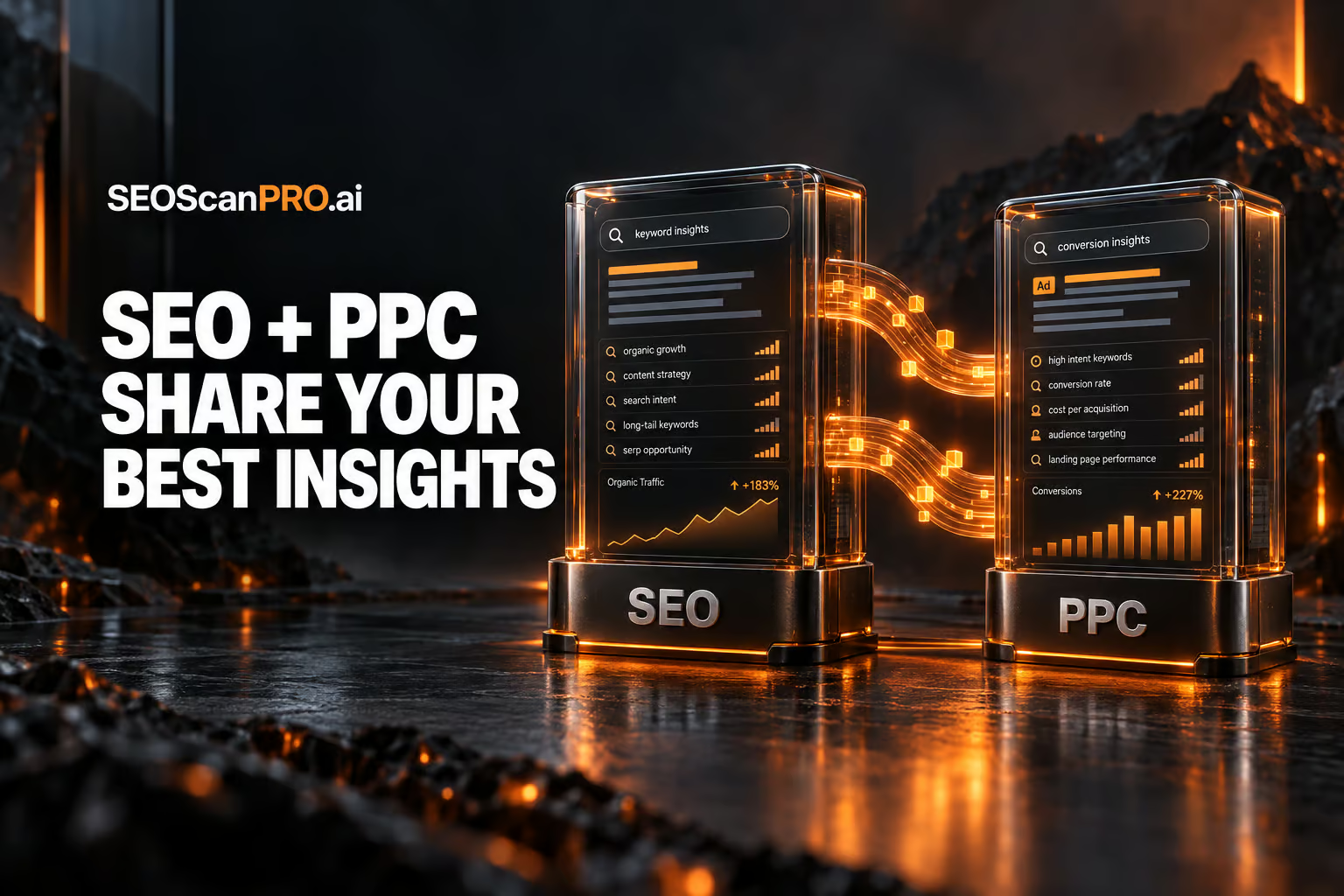
    When SEO and PPC share data, paid spend is directed at keywords organic search has not captured, so pages that already rank well need less ongoing paid promotion.

    Running both channels is not the same as running a search strategy. Running both channels requires two separate channel strategies, and the gap between them is where budget is wasted and opportunities are missed. At many companies, the SEO team and the PPC team operate separately, each meeting its own targets and reporting its own metrics, with no one reviewing both channels together.

    Where the separation comes from

    Their skills, tools, and success metrics differ, so they often sit in separate teams, sometimes with separate budget holders or even separate agencies. That works up to a point. It becomes a problem when the split turns into the default and no one reviews both channels together.

    Measurement reinforces the divide. An SEO team is judged on rankings and organic traffic. A PPC team is judged on cost per click, conversion rate, and return on ad spend. Neither is set up to track what the other does. Sometimes teams simply do not know enough about the other channel to ask the right questions, and sometimes there is reluctance to share data in case it shifts budget away from a channel. Both reactions are understandable, and both cost the business.

    What sharing data saves

    The clearest saving is cutting spend on clicks for terms a site already ranks well for. If a page holds position one, there is a strong case for not bidding on that keyword at all. When the PPC team has no view of organic rankings, that spend keeps running.

    A subtler gain comes from reading shifts in paid performance. When costs per click rise on certain terms and returns fall, those terms become stronger candidates for organic investment, either through new content or by improving pages that are already close to ranking. Paid data on which keywords convert should feed organic content priorities directly. Organic data on which terms already rank strongly should guide where paid budget gets focused and where it gets pulled back. Without that flow, both channels decide from an incomplete picture.

    There is also a brand consistency gain that rarely gets discussed. When the two channels operate apart, they can send different messages to the same audience: an organic result leading to an informational page while a paid ad for the same query drives to a promotional landing page. That inconsistency reduces trust and lowers the chance of a conversion whichever channel brought the visitor in. Shared decisions keep the experience coherent and make better use of the marketing budget.

    What good collaboration looks like in practice

    None of this requires a major restructure. Three practical changes, named below, make the biggest difference.

    Start with shared keyword research

    Keyword research is more effective when SEO and PPC teams build a shared keyword list from the start. SEO focuses on what people search for over time and the informational content that addresses those searches. PPC shows which keywords are driving conversions now and what current demand looks like.

    Avoid duplicate landing pages

    Duplicate landing pages are a common and avoidable problem, and they usually trace back to one team not knowing what the other has built. The PPC team requests a page for a campaign, and no one checks whether SEO already targets the same intent. The result is two pages chasing the same goal, splitting authority and confusing Google about which one to rank. Weeks later the SEO team may spot the new page in Google Search Console and spend time working out whether it is cannibalizing an existing page, whether a canonical tag is needed, or whether a noindex tag would keep it out of organic search. A short check before any new campaign page gets built prevents that work. More often than not, improving a page that already exists serves both channels better than starting from scratch.

    Hold joint planning calls

    Putting both teams on the same monthly call is simple and effective. Everyone hears the same objectives, commercial priorities, and campaign updates at once. If PPC is planning a new landing page or shifting keyword priorities, SEO knows in advance, which lets teams prevent problems rather than fix them. It also presents the account as one strategy rather than two separate efforts, which builds client confidence.

    Which data each team can share

    PPC search term reports show which queries drive paid conversions, which are expensive without converting, and where costs per click are trending. That feeds organic keyword prioritization, content planning, and identifying gaps where SEO is not yet competing.

    Organic ranking data points the other way. A page in position one is a signal to reduce or pause ad spend on that keyword and move budget elsewhere. Pages ranking between positions four and 10 can benefit from a targeted paid push that lifts total visibility while organic continues to improve.

    SEO content research also supplies negative keywords for paid campaigns. When the SEO team knows which informational queries bring organic traffic that does not convert, that list can feed straight into PPC negative keyword exclusions, so the business stops paying for clicks that consistently fail to convert. Finally, both teams benefit from reporting on the same outcomes. Revenue, leads, and conversions matter more than channel-specific metrics, and shared commercial results make budget allocation straightforward.

    The fix is a communication one

    The gap between SEO and PPC comes down to how the two teams communicate, not the technical setup itself. It is a communication issue, making it relatively straightforward to address once a team commits to fixing it. The two functions do not need to merge into a single team. The two teams need to share the data that helps each function make better decisions, so paid insights shape organic priorities and organic data shapes paid spend.

    FAQ

    Should you bid on keywords you already rank for organically?

    If a page holds position one, there is a reasonable case for not bidding on that keyword and moving the budget elsewhere. When PPC has no view of organic rankings, that spend continues unnoticed. Pages ranking between positions four and 10 can be worth a targeted paid push to increase total visibility while organic improves.

    How do SEO and PPC teams avoid duplicate landing pages?

    Check what already exists before building a new page for a paid campaign. Duplicate pages targeting the same intent split authority and confuse Google about which one to rank. A short conversation between the teams, or improving an existing page instead of creating a new one, prevents the cleanup work of canonical or noindex tags later.

    What data should SEO and PPC teams share?

    PPC search term reports show converting queries, expensive non-converting queries, and cost per click trends, which guide organic content planning. Organic ranking data shows where a site is already visible so paid budget can be pulled back. SEO also supplies non-converting informational queries as negative keywords for paid campaigns, and both teams should report on revenue, leads, and conversions.

  • Evolving SEO for 2027: What Still Needs to Change

    Evolving SEO for 2027: What Still Needs to Change

    SEO gains more reach and resilience when it adapts to how search actually works today, especially as Google leans further into entity understanding, AI Overviews, and generative answers. The work that still needs to change in 2027 spans how content is structured, how success is measured, and how publishers relate to the platforms that surface their work.

    Why SEO still has to evolve for 2027

    Search has moved past ten blue links into a landscape shaped by Google AI Overviews, conversational follow-ups, and AI assistants that synthesize answers from many sources at once. Content marketing success, by one recent survey, has fallen to a 12-year low, a signal that the old production playbook is producing diminishing returns. The opportunity now sits in aligning content with how Google actually understands entities and queries, and in proving visibility inside AI-driven results, not just traditional rankings.

    Entity-first content: aligning pages with Google’s Knowledge Graph

    Google has spent years building out the Knowledge Graph, and entity-first SEO treats that layer as the foundation rather than an afterthought. In practice, this means structuring pages so the people, products, organizations, and concepts on them are unambiguous and connected to authoritative sources the Knowledge Graph already recognizes. When the underlying entities are clear, Google can match content to more queries, including the conversational follow-ups that drive AI Mode and AI Overviews.

    Two research threads make the case for this shift. A survey of 131 SEO professionals ranked Google’s top ranking factors, and entity clarity keeps climbing. Two separate GEO experiments also challenged conventional AI visibility advice, suggesting that the levers marketers have long trusted, such as keyword density and backlink volume, matter less than how well a source establishes itself as a trusted entity that AI systems want to cite.

    The follow-up query: rethinking SEO for conversational search

    AI Mode turns search into a conversation. A single query becomes a thread of follow-ups, each one narrowing or pivoting on the last. Optimizing only for the first query leaves most of the session on the table. Pages that win in conversational search tend to cover an entity deeply enough to answer the second, third, and fourth question without forcing the user to leave the AI interface.

    Research on pre-search behavior suggests the decision often forms before a query is typed, shaped by prior reading, social context, and earlier AI conversations.

    Measuring success in an AI-first SERP

    Rank tracking and click-through rates tell less of the story when AI Overviews absorb the answer above the organic results. Two tools are gaining ground:

    • AI visibility tracking. Whether and how often a brand is cited inside AI Overviews, AI Mode, and Gemini responses. Recent tests in which Google has begun paying publishers for content used in AI Mode, AI Overviews, and Gemini hint at how seriously the platform is treating attribution and sourcing.
    • Entity coverage. How thoroughly a site covers the entities in its topic space, measured against the connections in the Knowledge Graph rather than a keyword list.

    Google Analytics has also moved in this direction with customizable dashboards, giving teams room to define what visibility means for their own brand instead of relying on off-the-shelf templates built for a pre-AI SERP.

    What content still needs to fix

    High content output no longer provides a competitive advantage on its own. Content that performs well in AI-driven search depends on original analysis, proprietary data, and a clear point of view that AI systems can attribute and cite.

    • Images have a new job in AI search. Visual content is parsed and re-described by AI systems, so alt text, surrounding context, and entity markup now feed the answer engines directly.
    • AI watermarking is a content signal. If visible AI watermarks on your work would alarm your audience, the content strategy that produced the work is the problem, not the watermark itself.
    • Content that shapes what a user is thinking before they search often gains more visibility later on than content that only competes for the search itself.

    Where this leaves SEO practitioners

    The core SEO skill set of technical health, crawlability, and link authority still matters, but it now operates beneath entity modeling, AI visibility measurement, and content strategy built around original thinking. Teams that treat SEO as a system for becoming the most authoritative, clearly defined source on a topic will find that AI-driven search amplifies their reach.

    FAQ

    What does entity-first SEO actually mean?

    Entity-first SEO means structuring pages so the people, products, organizations, and concepts they cover are unambiguous and linked to authoritative sources Google already recognizes in its Knowledge Graph, which improves matching across queries including AI Overviews and conversational follow-ups.

    Why is conversational search changing SEO strategy?

    AI Mode turns a single query into a thread of follow-up questions. To win visibility across the whole session, pages need to cover an entity deeply enough to answer the second, third, and fourth question without forcing the user to leave the AI interface.

    How should SEO success be measured in 2027?

    Traditional rank and click tracking cover less of the picture in an AI-first SERP. The leading indicators are AI visibility (how often a brand is cited in AI Overviews, AI Mode, and Gemini) and entity coverage (how thoroughly a site covers its topic space relative to the Knowledge Graph).

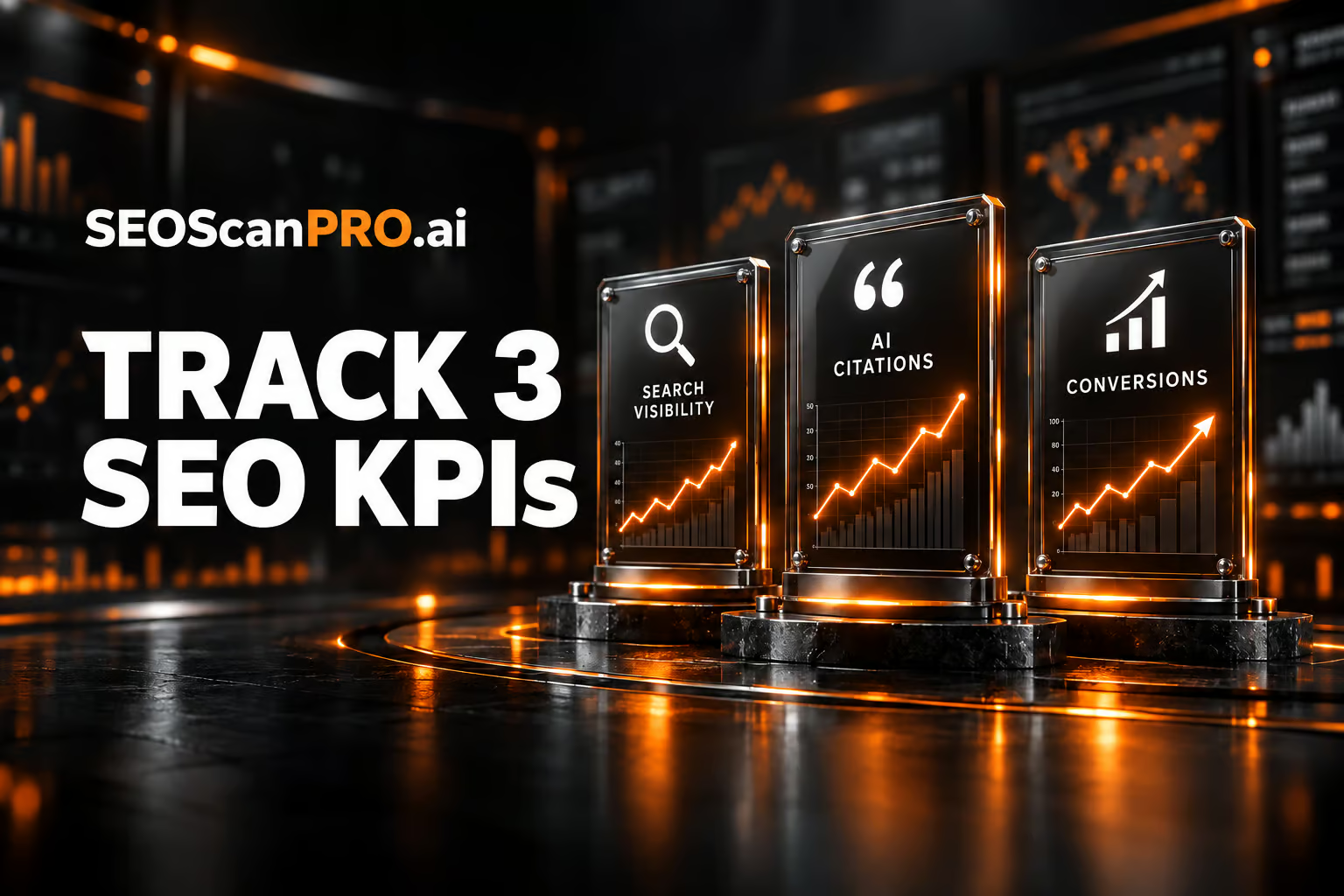
  • 18 SEO KPIs for organic and AI search: how to pick the few that matter

    18 SEO KPIs for organic and AI search: how to pick the few that matter

    Choosing three or four well-chosen SEO KPIs gives a clearer read on progress than tracking a dozen numbers that don’t connect to your goal. With AI answers now sitting ahead of traditional search results, the set of metrics worth watching has grown beyond rankings and clicks to include AI visibility, mentions, and citations. Eighteen SEO KPIs across organic and AI search are organized by what they measure, so you can pick the few that ladder up to your business goal.

    Why a small set of KPIs beats a long dashboard

    Search performance produces a flood of data points. Rankings, impressions, AI citations, mentions, and referral visits each capture something real, but tracking all of them at once splits your attention across numbers that don’t necessarily relate to your goal. Monitoring a select few hand-picked SEO KPIs keeps you focused on whether your effort is moving the outcome you care about.

    What KPIs matter depends on your goal. Brands focused on awareness track different metrics than those focused on conversions, so you need to choose the KPIs that match your goal.

    What are SEO KPIs?

    SEO KPIs are the most important metrics across organic search and AI-generated answers that you measure to evaluate whether you’re on track to meet your SEO and business goals. Common examples include search engine visibility, keyword rankings, AI citations, organic click-through rate, and conversions.

    Monitoring these KPIs helps you track performance, make data-driven decisions about where to invest, and show your return on investment. Which KPIs you track depends on your website and your goals.

    Search visibility KPIs

    Search visibility KPIs track metrics such as impressions, click-through rates, and brand mentions across organic and AI search.

    1. Search engine visibility

    Search engine visibility measures how prominently your website appears in search engine results for target keywords. It covers multiple SERP features, including People Also Ask and featured snippets, to give a broader view of presence across queries. Tracking it shows whether SEO efforts succeed beyond individual rankings.

    To track search engine visibility, open Google Search Console, click “Performance” in the left-hand menu, then “Search results.” Check the box next to “Total impressions” to see how many times your site appeared in search results over a specific period. GSC’s total impressions include queries beyond your target keyword list. For visibility on a specific target keyword set, use Semrush’s Position Tracking tool: enter your target keywords when you set up the project, click “Start Tracking,” and review the trend graph on the “Overview” tab.

    2. Keyword rankings

    Keyword rankings show where your site appears in organic search results for specific terms, which affects visibility and the potential to drive clicks. Tracking rankings helps identify drops in position, pages that rank well, and keywords to target next.

    3. AI visibility

    AI visibility measures how often your brand appears in AI-generated answers across relevant topics compared to competitors. Semrush’s AI Visibility score reflects your AI visibility on a 0 to 100 scale. Visibility Overview shows the trend over time and the comparison against competitors across AI platforms. Semrush’s Enterprise AIO offers broader platform coverage and more granular monitoring for larger organizations.

    4. AI mentions

    AI mentions are brand name appearances in AI-generated answers. Visibility Overview tracks mentions over time, broken down by platform and country, and benchmarks performance against competitors.

    5. AI citations

    AI citations are instances when AI-generated answers cite your domain as a source, whether or not you’re mentioned. Visibility Overview shows your total number of citations and the total number of cited pages. Clicking the number under “Cited Pages” identifies which pages earn the most AI citations.

    Traffic KPIs

    Traffic KPIs include metrics such as click-through rate, which measures how often a site’s appearance in search results leads to clicks and visits.

    6. Organic click-through rate

    Organic click-through rate is the percentage of impressions in unpaid search results that result in clicks to your website. A higher CTR often signals relevant and compelling content. Calculate it as (organic clicks / SERP impressions) multiplied by 100. View it in GSC under “Search results” by checking “Average CTR.” The “Pages” tab breaks CTR down per page.

    7. Organic traffic

    Organic traffic refers to visits to your site from organic search results. Monitoring it shows which pages attract the most visits and whether the number is growing or shrinking. View it in Google Analytics 4 by clicking “Reports,” then “Acquisition,” then “Traffic acquisition.” The “Organic Search” row shows the session count for the selected period.

    GA4 includes traffic from Google AI Overviews and AI Mode in the Organic Search channel, so the sessions reported here include some AI search experiences. Semrush’s Organic Search dashboard in the Traffic Market Toolkit separates any domain’s traffic into Organic Search and Google AI Mode, so you can see how much comes from each.

    8. Non-branded organic traffic

    Non-branded organic traffic is search engine traffic from queries that don’t contain your brand name. An increase shows you’re growing awareness and getting visits from people who don’t know your brand yet. Semrush’s Organic Rankings tool shows estimated non-branded traffic at the top of the “Overview” tab.

    9. AI referral traffic

    AI referral traffic is website traffic from AI platforms such as ChatGPT, Perplexity, Gemini, and Claude. Semrush research found the average AI search visitor was 4.4 times as valuable as a traditional organic search visitor, based on conversion rate, which matters because AI-generated answers don’t generally drive much traffic to other websites. AI referral traffic appears in GA4’s Traffic acquisition report under the AI Assistant channel. Semrush’s AI Traffic dashboard in the Traffic Market Toolkit breaks AI referral traffic down by platform and benchmarks it against competitors over time. Larger organizations can use Benchmark Intelligence in Semrush Enterprise AIO for cross-platform comparison.

    Authority KPIs

    Authority KPIs measure when other websites validate your brand.

    10. Backlinks

    Backlinks are links on external webpages that point to your site, which signal that your content is valuable and trustworthy. Search engines treat links from authoritative, trustworthy sites as a stronger credibility signal, so one link from a reputable source can outweigh many from lower-quality ones. The same holds in AI search: Semrush’s backlinks study, which analyzed 1,000 domains, found that domains with stronger backlink authority are mentioned more often in AI-generated answers.

    11. Brand mentions

    Brand mentions are references to your brand across the web and can be linked or unlinked. Linked mentions can support SEO through backlinks, while unlinked mentions reveal context that helps search engines and AI systems understand what your brand is known for. Track mentions with the Brand Monitoring app by creating a new query for your brand name and selecting “Brand” from the drop-down. Under “Main Filters,” add your website under “Track backlinks” so linked mentions are flagged. The “Analytics” tab then shows total mentions and how many are also linked.

    User engagement metrics

    User engagement metrics show how visitors interact with your site.

    12. Bounce rate

    Bounce rate is the percentage of unengaged sessions, meaning the session lasted 10 seconds or fewer, didn’t involve a key event, or included fewer than two page or screen views. A high bounce rate may mean the page content is irrelevant or that the site has usability or technical issues. Google has never specified bounce rate as a direct ranking factor, but leaked documents and testimony at Google’s antitrust trial indicate that user experience metrics like bounce rate do affect rankings. Track bounce rate in GA4 by going to “Reports,” clicking “Engagement,” and selecting “Pages and screens.” Customize the report to add “Bounce rate” as a metric, then save the changes.

    13. Average engagement time

    Average engagement time measures the average amount of time users spend actively viewing your website or app. In GA4, it only counts the time when a webpage is in focus in the browser or when the app is open in the foreground. High engagement signals that content is useful and meets user expectations, which helps build trust with audiences and supports overall search performance. Find it in GA4’s “Engagement overview” report under “Average engagement time per active user.”

    Business impact KPIs

    Business impact KPIs show how search performance translates to tangible value.

    14. Conversions from organic and AI search

    A conversion occurs when visitors from organic or AI search complete a desired action, such as completing a purchase, signing up for a newsletter, or downloading a resource. Effectively, conversions from organic and AI search reveal how well your traffic from those sources contributes to business results. In GA4, conversions are tracked as key events that you specify. Mark the actions that matter most by going to “Admin,” “Data display,” “Events,” and selecting the star next to each event you want logged as a key event. The Traffic acquisition report then shows total key events and Session key event rate for the Organic Search and AI Assistant rows. Note that GA4’s AI Assistant channel group doesn’t include traffic from AI Overviews or AI Mode.

    15. Return on investment

    SEO ROI is the profit you gain from SEO compared to what you spend on it. A positive ROI is the ultimate goal of every SEO strategy. Calculate it as: SEO ROI = ((Revenue from SEO minus cost of SEO) / cost of SEO) multiplied by 100. For example, spending $9,000 on SEO and generating $16,000 in revenue gives an ROI of 77.8%.

    16. Customer lifetime value

    Customer lifetime value (CLV) estimates the total revenue generated by customers during their entire relationship with your business. Tracking CLV for SEO shows whether those customers purchase once or continue to create value over time. Calculate it as: CLV = (Average purchase value) multiplied by (average purchase frequency) multiplied by (average customer lifespan). An average customer who spends $100 per order, makes three orders per year, and stays for five years produces a CLV of $1,500.

    17. Cost per acquisition

    Cost per acquisition (CPA) from SEO measures how much it costs to acquire one new customer through organic and AI search. SEO costs that affect CPA include team salaries, agency fees, SEO tool costs, content creation, and link building. A dropping CPA indicates your SEO strategy is becoming more cost-effective; a rising CPA may signal problems. Calculate it as: SEO CPA = Total SEO costs / Total number of customers acquired through organic and AI search. Spending $4,000 on in-house SEO and $1,000 on an agency and gaining 100 new customers gives a CPA of $50.

    18. Local visibility

    Local visibility KPIs measure how customers find your business in location-based searches. These typically include Google Business Profile views, direction requests, phone calls, and local pack rankings, which surface for queries with geographic intent.

    How to pick the KPIs that matter for your goal

    Start with the business outcome you’re chasing, then work backward to the search signal that most directly predicts it. A brand chasing awareness pairs non-branded organic traffic with brand mentions. A brand chasing revenue pairs conversions from organic and AI search with SEO ROI or cost per acquisition. Keep the list short, revisit it when your goal shifts, and resist the pull to track everything just because the data is available.

    FAQ

    What are SEO KPIs?

    SEO KPIs are the most important metrics across organic search and AI-generated answers that you measure to evaluate whether you’re on track to meet your SEO and business goals. Common examples include search engine visibility, keyword rankings, AI citations, organic click-through rate, and conversions.

    How many SEO KPIs should you track?

    Limiting tracking to a small set of SEO KPIs tied to one specific goal provides more useful progress data than monitoring a larger set of unrelated metrics. Choose KPIs that match your goal, since awareness, traffic, and revenue each call for different selections.

    Which KPIs matter for AI search?

    For AI search, the most useful KPIs are AI visibility, AI mentions, AI citations, AI referral traffic, and conversions from the AI Assistant channel. Authority signals such as backlinks and brand mentions also influence how often AI-generated answers surface your domain.

    Related coverage