
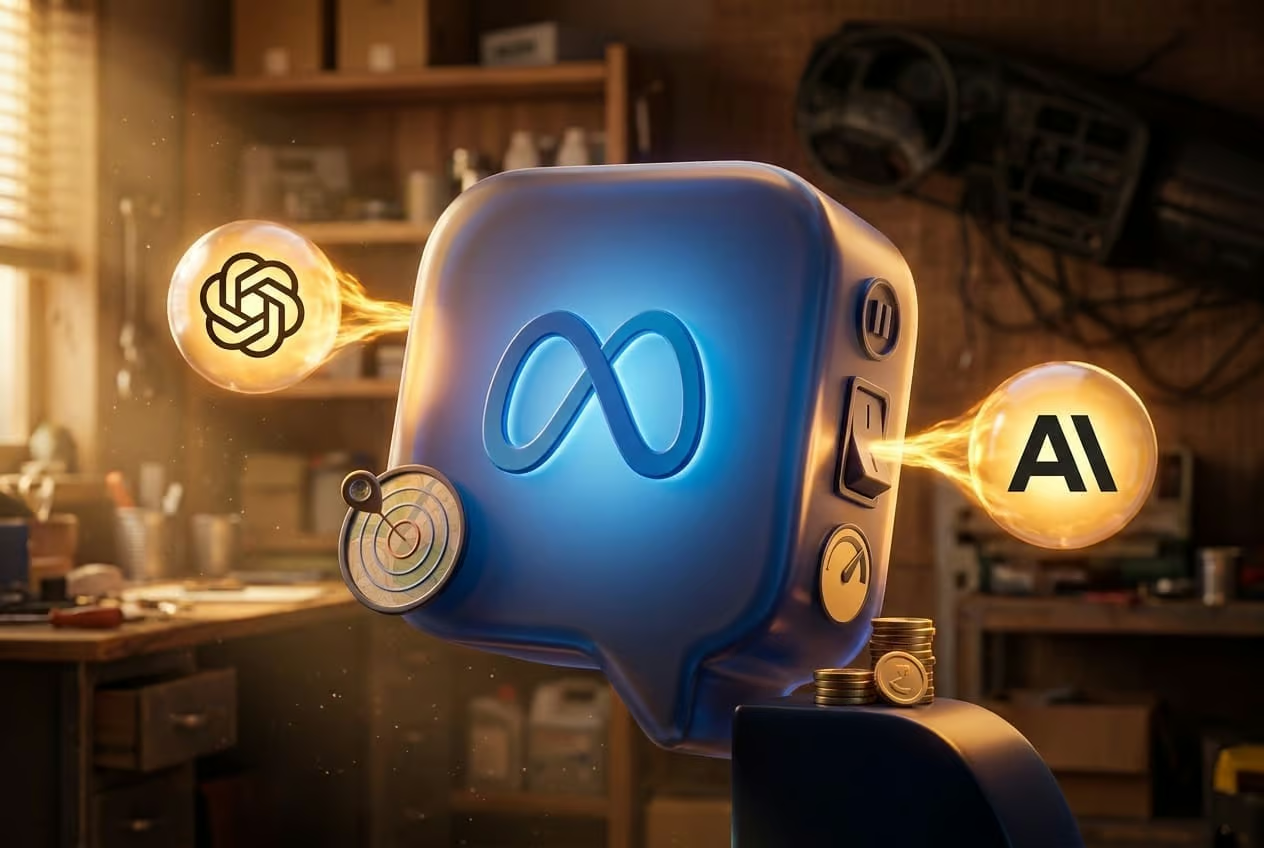
On April 29, 2026, Meta released Meta Ads AI Connectors, a free feature that lets small business owners run Facebook and Instagram campaigns by typing or speaking to ChatGPT or Claude. Instead of clicking through Ads Manager, owners can ask an AI assistant to pull reports, build campaigns, swap headlines, and audit product catalogs. Anything the AI creates starts paused, so nothing charges until the owner flips the switch in Ads Manager. For anyone about to hand campaign control to an AI, the practical question is what the site and tracking stack behind those campaigns can actually support.
What the connector actually does
Once a Meta Business account is linked to an AI tool that supports the Model Context Protocol, the assistant can answer plain-English questions and take action on the ad account. Reported uses include reporting on ad performance across yesterday, last week, or last month; building new campaigns from a short description with a set daily budget and geographic radius; editing existing ads, changing budgets, swapping creative, or pausing underperformers; auditing the product catalog to explain why specific items are not surfacing; and diagnosing pixel or tracking setup problems. No developer or API knowledge is required. Sign in once with the Meta Business account and the AI takes over from there.
The built-in safety net you should still verify
Every campaign the AI generates begins in a paused state. Nothing charges the ad account until the owner logs into Ads Manager and activates it. That pause-by-default behavior is the most important detail in the launch because it limits how much a bad prompt can cost. It does not, however, fix broken tracking, mismatched conversion events, or a landing page that drops every visitor who arrives from a paid click. Treat the pause as a window to audit, not a reason to skip the audit.
What a technical SEO audit has to do with ad management
Paid social traffic still lands on a site, and a site audit tells you whether that traffic has somewhere usable to go. Before connecting an AI to your ad account, run through the page-level checks that determine whether the campaigns the AI builds will convert.
- Confirm the landing page matches the ad promise. If the AI writes copy around a summer sale and the promoted page still shows a winter product grid, the disconnect shows up as a low quality score and wasted spend.
- Verify the Meta pixel and Conversions API are firing on the destination URL. The connector can diagnose pixel issues in conversation, but only after a campaign runs. Catching a missing pixel first means attribution will work from day one.
- Check page speed on mobile. Most ad clicks come from phones. Slow mobile pages inflate cost per result regardless of how well the AI targets the audience.
- Audit product catalog entries. If the AI flags catalog items that are not showing, the underlying cause is often a feed rejection, a missing image URL, or a category mismatch. Those are site-side fixes the connector alone cannot resolve.
- Make sure UTM parameters pass through the destination. Without UTM tagging, the AI’s reporting on which ad drove which conversion is guesswork.
What to ask the AI in the first session
Before letting the connector create anything, treat the first session as a read-only review. Useful starter prompts include asking which ad produced the most leads last week and the source’s source; asking why cost per result jumped on a specific day; asking the AI to audit the product catalog and list items with errors; and asking it to summarize pixel health across active ad accounts. Reading what the AI already knows about your account surfaces data gaps before any campaign goes live.
Habits that keep budget safe after launch
Once campaigns start going live in paused mode, a short review routine catches problems early. Read every campaign the AI builds before activating it, since AI assistants can be confidently wrong about strategy in niche or local markets. Write prompts with concrete goals, budgets, geo radius, and cost caps rather than vague requests like “get me more leads.” Check the live ads daily for the first two weeks to confirm what was authorized is what is actually running. Keep a parallel log of any manual changes made in Ads Manager so the AI does not overwrite them on the next session.
Where the AI helps and where it falls short
The connector is well suited to the routine work that eats time: pulling performance reports, building basic campaign structures, fixing catalog errors, and answering “what happened last week” questions. It is less suited to strategic calls about creative direction, offer pricing, or local-market positioning. Think of it as a capable operations assistant, not an autopilot. The owner still owns the strategy, and the AI still needs clean data, a healthy site, and accurate tracking to produce useful output.
What you need to connect
Setup is short. A Meta Business account with ad accounts already configured, an AI tool that supports the Model Context Protocol such as ChatGPT or Claude, and roughly five minutes. The path in the AI tool is the integrations or connectors menu, then Meta Ads, then authentication. The feature is free and in open beta as of the April 29, 2026 launch.
After the audit passes and the connector is live, the practical shift is from clicking through Ads Manager to typing prompts in an AI chat. The mechanics of a campaign launch do not change much, but the checks you run before launch decide how much of that budget actually returns customers instead of burning on tracking gaps and slow pages.
FAQ
What are Meta Ads AI Connectors?
Meta Ads AI Connectors are a free feature Meta launched on April 29, 2026. They let small businesses manage Facebook and Instagram ad campaigns by typing or speaking to ChatGPT or Claude in plain English, handling tasks from performance reporting to campaign building.
Do AI-created campaigns spend money automatically?
No. Every campaign the AI builds starts in a paused state. Nothing charges the ad account until the owner logs into Ads Manager and turns the campaign on themselves, which protects budgets from accidental spend during experimentation.
What do you need to set up Meta Ads AI Connectors?
You need a Meta Business account with ad accounts already configured, an AI tool that supports the Model Context Protocol such as ChatGPT or Claude, and about five minutes. Open the AI tool’s integrations or connectors menu, select Meta Ads, and authenticate the connection.